

Amazon eero 6+ mesh wifi router – Supports internet plans up to a Gigabit, Coverage up to 1,500 sq. ft., Connect 75+ devices, 1-pack
$139.99
Related Products




A GIGABIT SPEED ROUTER, FOR LESS – Supports wifi speeds up to a gigabit, without the premium price tag. eero 6+ is our most affordable gigabit router ever.
WI-FI 6 GETS A BOOST – eero 6+ supports additional wifi bandwidth on the 160 MHz radio channel (that’s just wifi talk for faster connectivity). With the eero 6+, you’ll get enough wifi for the whole family to work, stream, and video chat—all at the same time.
EXPERIENCE THE EERO TRUEMESH DIFFERENCE – eero’s patented TrueMesh technology intelligently routes traffic to reduce drop-offs and dead spots.
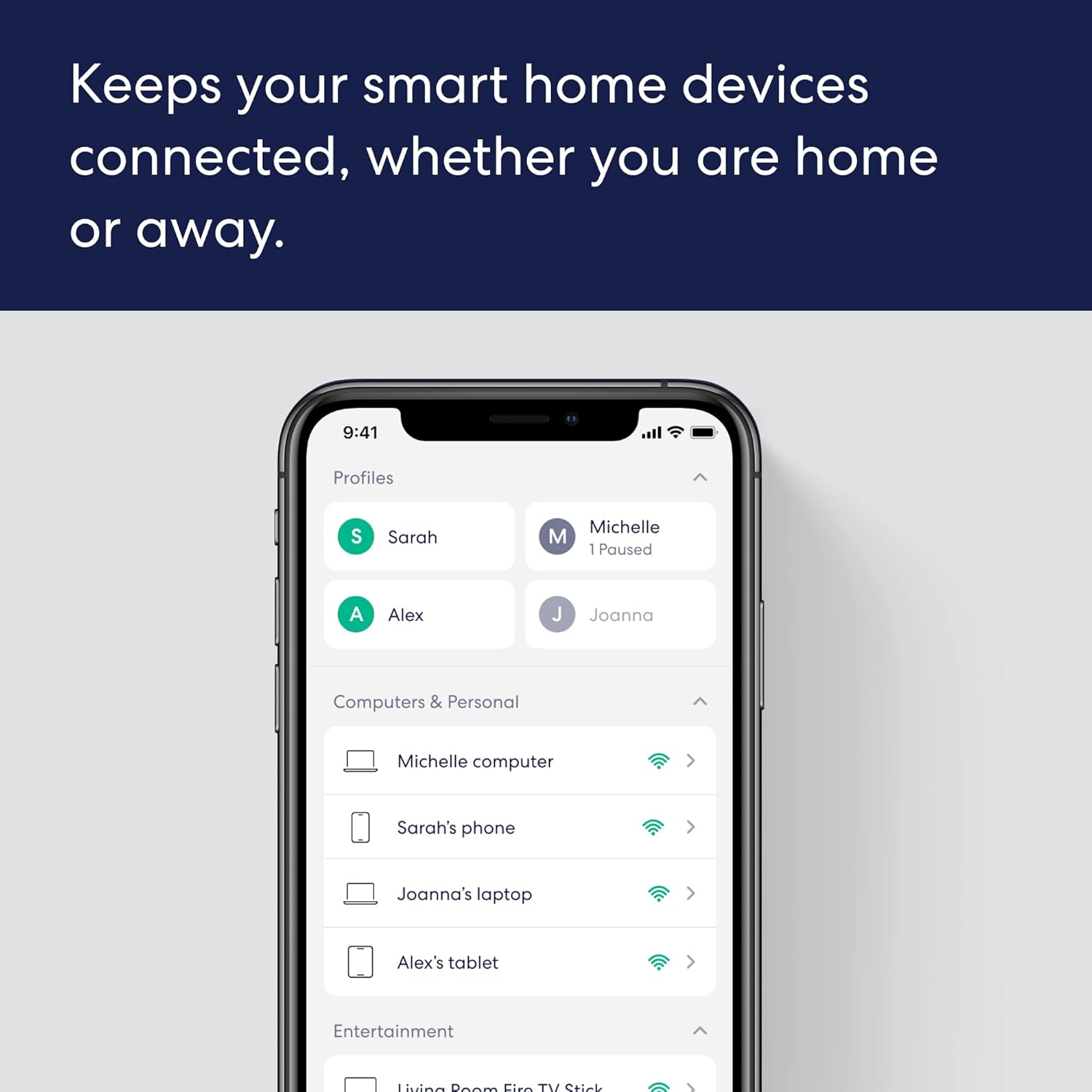
SET UP IN MINUTES – The eero app guides you through setup and allows you to manage your network from anywhere.
EASILY EXPAND YOUR SYSTEM – Use any single eero as a gateway to replace your current router, or add it to your existing eero network to extend wifi coverage.
WORLD-CLASS CUSTOMER SUPPORT – Any questions? Our expert wifi troubleshooters are ready to help by phone in the US at +1-877-659-2347 or by support@eero.com.
GETS BETTER OVER TIME – Receive automatic updates to help keep your network safe and secure. Online security and additional network management features available via a separate subscription.
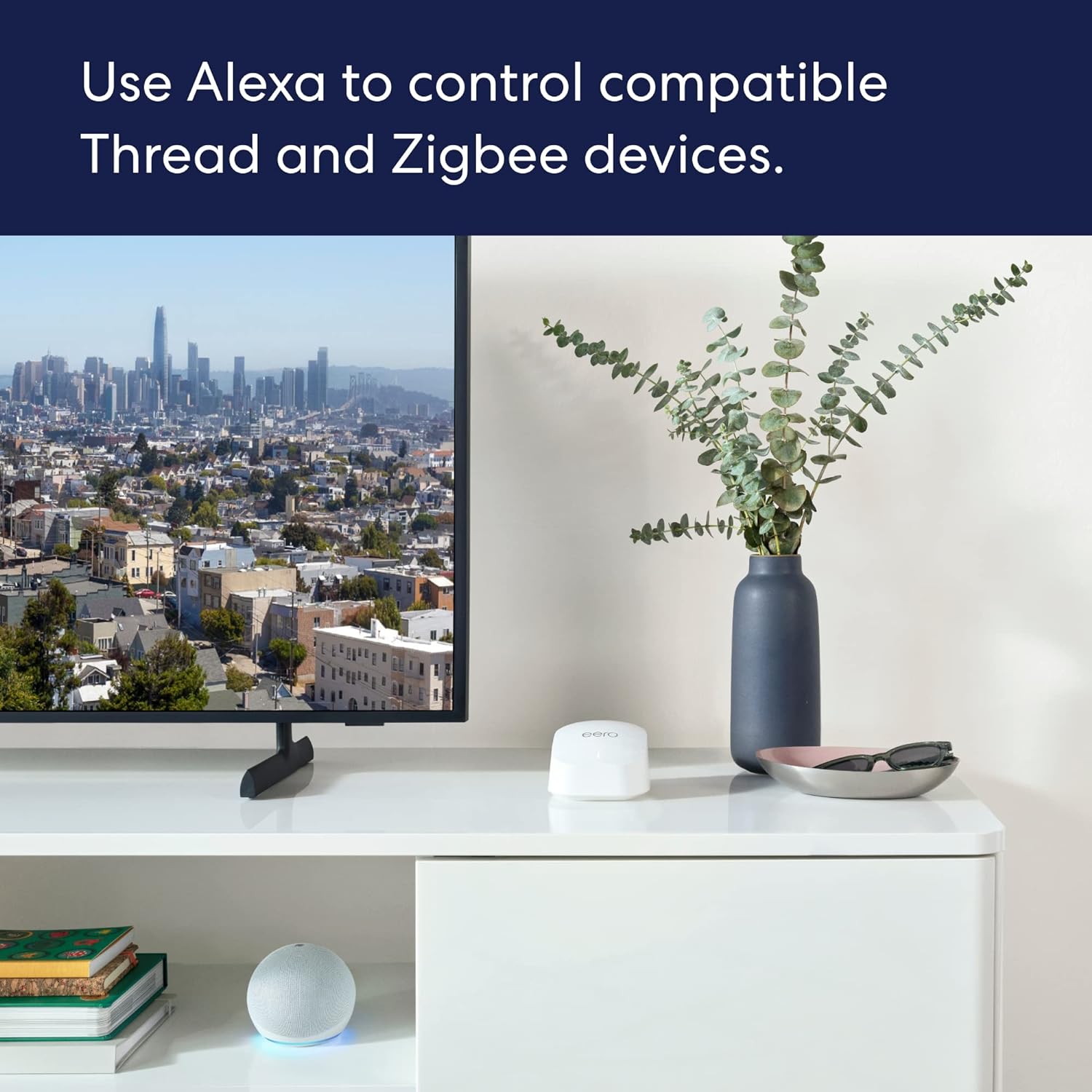
BUILT-IN SMART HOME HUB – eero 6+ contains a smart home hub to connect compatible Thread and Zigbee devices on your network with Alexa, replacing the need to buy separate hubs.
4 reviews for Amazon eero 6+ mesh wifi router – Supports internet plans up to a Gigabit, Coverage up to 1,500 sq. ft., Connect 75+ devices, 1-pack
Add a review
$139.99
An Agent in the Matrix –
Excellent wifi coverage and setup was a dream!
I needed this eero mesh network more than I knew. I had a “end of life” extender that was barely working, and fiber optic modem router way too far from everything else, so wifi was spotty at best. I heard many people rave about about how amazing these are, and after some research I decided to grab them. Best decision I made in a long time.Now first off the packaging for this product was exceptional. I’m saddened that I didnt take photos of just how organized and how thought out this really was. Everything included to get started, and a quick setup card inside.After downloading the app for my android phone is when the magic and simplicity of this process begins. This app explains exactly what to do, and you just do it, and in a matter of minutes your first eero device is setup. Then you goto another area to place the next one and the app figures out if it’s within range and if it isn’t it let’s you know to move it. Then on to the last one in my setup of 3 and viola! We have a consistent wifi mesh network all setup. Easily manageable from the eero app on my phone. It really doesn’t get any easier than this.This eero I got has wifi 6+ (802.11ax) which works great for my devices, the speed is significantly noticeable.WPA3 and WPA2 for security, just perfect. The 3 pack covers up to 4,500 square feet, if you need more you can always add another eero unit to your house to extend the coverage. Again easily done right thru the eero app.The only thing that you may need to do is make sure you adjust your modem/router if you need too from your internet service provider so that it won’t conflict with your eero mesh network. I have fiber optic so I had to adjust for wifi pass through and disable its wifi broadcast, and a few other settings to make eero the primary network for wifi broadcast, it really wasn’t that bad.This is by far the best and easiest wifi system I have ever bought and setup. Highly recommended for ease of use, spectacular capabilities, speedy wifi, amazing wifi coverage, with no dead zones.
Amazon Customer –
Good Value and Delivers Well for Extending a WiFi Network
Utilized as WiFi network extenders works extremely well. Excellent square footage coverage. Easy to install into an existing network.
Chuck –
Very simple to set up, works well
This was by far the easiest set up ever of equipment for improving your coverage. I have a brick house which had terrible wifi coverage inside and even worse outside for my cameras. I bought 5 of these, one is the main gateway and I put the others strategically around the house. The app is very easy to navigate and will prompt you if you have chosen a good or bad location for the satellite units. One area of my house was so poor they wouldn’t pick up a signal at all, so I ran a Cat6 cable under the house to it from the gateway. Now I have a solid signal over 300 mbps where before I had nothing. The improvement in coverage is amazing. The back rooms in my house, where I barely got 2 mbps coverage, now has solid wifi. I also have coverage well into my backyard where before there was none as I sat one on a window sill. Catch them on sale and you won’t be disappointed I don’t think.
Karen T. –
Eero mesh will not work with the MyQ garage hub.
First, I would say, the install was fairly easy. However, you need to have cell reception in order to register and set up the eero mesh network gateway. This is not the case where I live because I have terrible cell reception. I found a very helpful post that explained how to keep your old router active and plug in the eero Gateway through the ethernet port of the old router in order to get signal to set up the new Gateway. Once that was set up, I took away the old router, rebooted the modem and the gateway, and it was smooth sailing.Most of the connections went fairly smoothly. I kept the same network name and password and anything from that network connected rather seamlessly.I did have to go into each Smart home app to reconnect any devices now that the mesh system works on dual band rather than separate SSID distinctions. My echo devices seemed to know what to do. Anything on the 2.4 had to have network name and password set up since it all operates on one network.My first complaint is that the 6+ mesh network is dual band and anything that requires 2.4 GHz needs some extra help. In settings under troubleshooting, you can disable the 5 GHz band temporarily while connecting the 2.4 GHz devices. It’s not completely obvious unless you poke around in the app. This was very helpful until it came to the my Q garage door opener.My biggest complaint and the he reason for only 4 stars, is that there is a known issue that the eero 6 networks do not play well with MyQ devices. It is disappointing because Amazon key delivery relies heavily on MyQ openers. I did a deep dive through Google to find possible solutions. There are several listed and I’ve tried each one. In fact, when you google MyQ + eero, you will see a slew of sites that discuss the exact problem and possible solutions. This included temporarily disabling the 5 GHz band, disabling WPA 3 in the developer options, unplugging any additional mesh nodes other than the gateway, using your old router as a bridge through the gateway, uninstalling the MyQ app and downloading again, forgetting the original device and adding it from scratch. None of those worked for me. I am stuck on the “searching for available networks” screen and no further. It does not even let me see ANY networks or choose them.The MyQ worked flawlessly until installing the eero. I wish Amazon had 1) made the issue known on the product page and 2) worked a little further with MyQ to troubleshoot this issue for a solution prior to calling this a human friendly set up item. I purchased the MyQ from Amazon, so an algorithm to search past purchases for MyQ and shopping cart additions could have led to a warning before spending so much money and time for a customer.For anyone without a MyQ, and looking for simple “plug and play”, this is a good option. My coverage is way better than before with using extenders. Speeds are very good. Re-integrating my smart devices was mostly painless after discovering the temporarily disable 5 GHz feature.I love the speeds and coverage a lot. Eero has good tech support though they couldn’t solve my one big issue. Outside of that issue, this is a good network. At least for the two days I’ve been using.