

ASUS RP-BE58 BE3600 Dual Band WiFi 7 (802.11be) Range Extender, AiMesh Extender for Seamless mesh WiFi; Works with Any WiFi Router
$79.99
Related Products


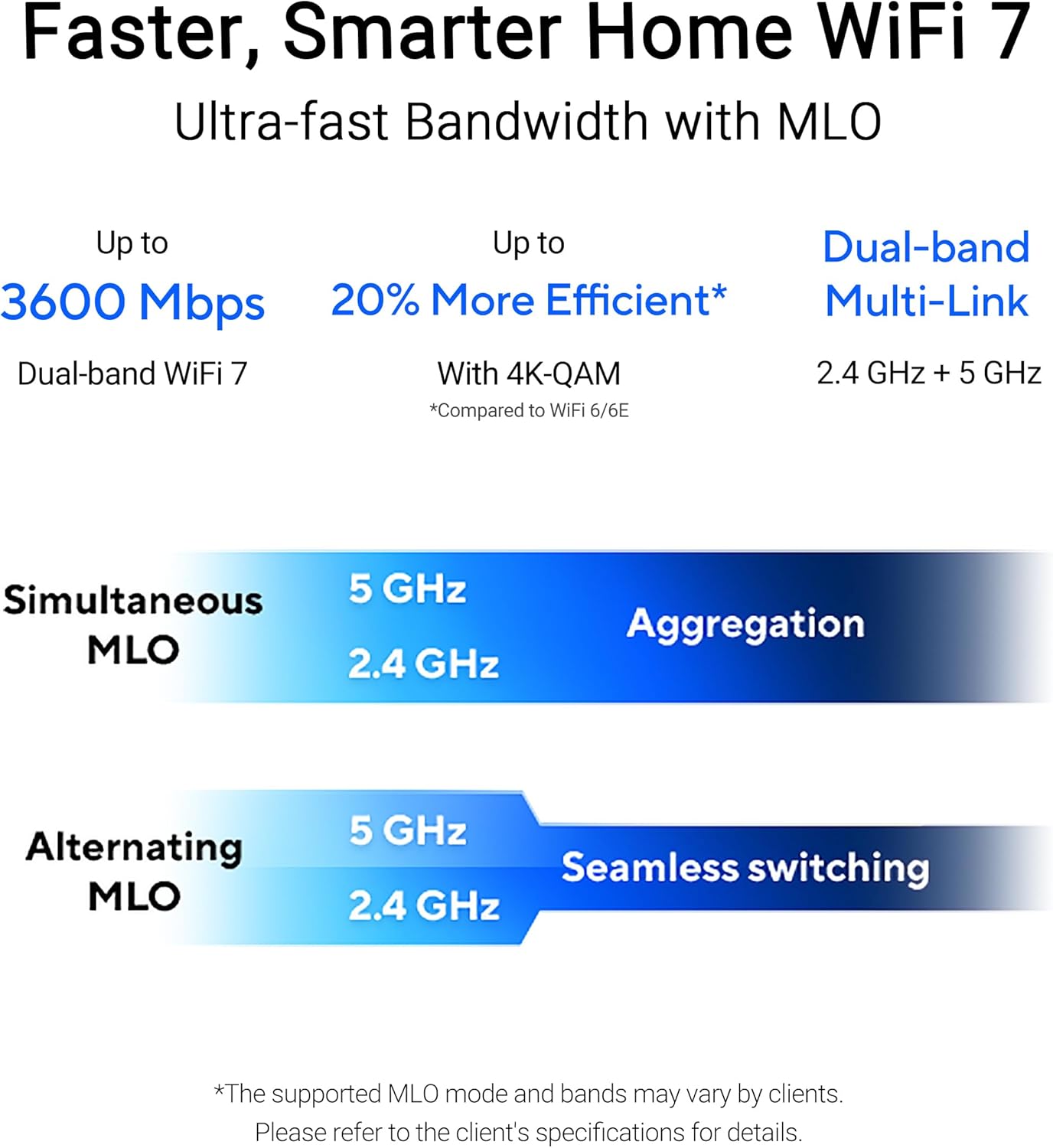


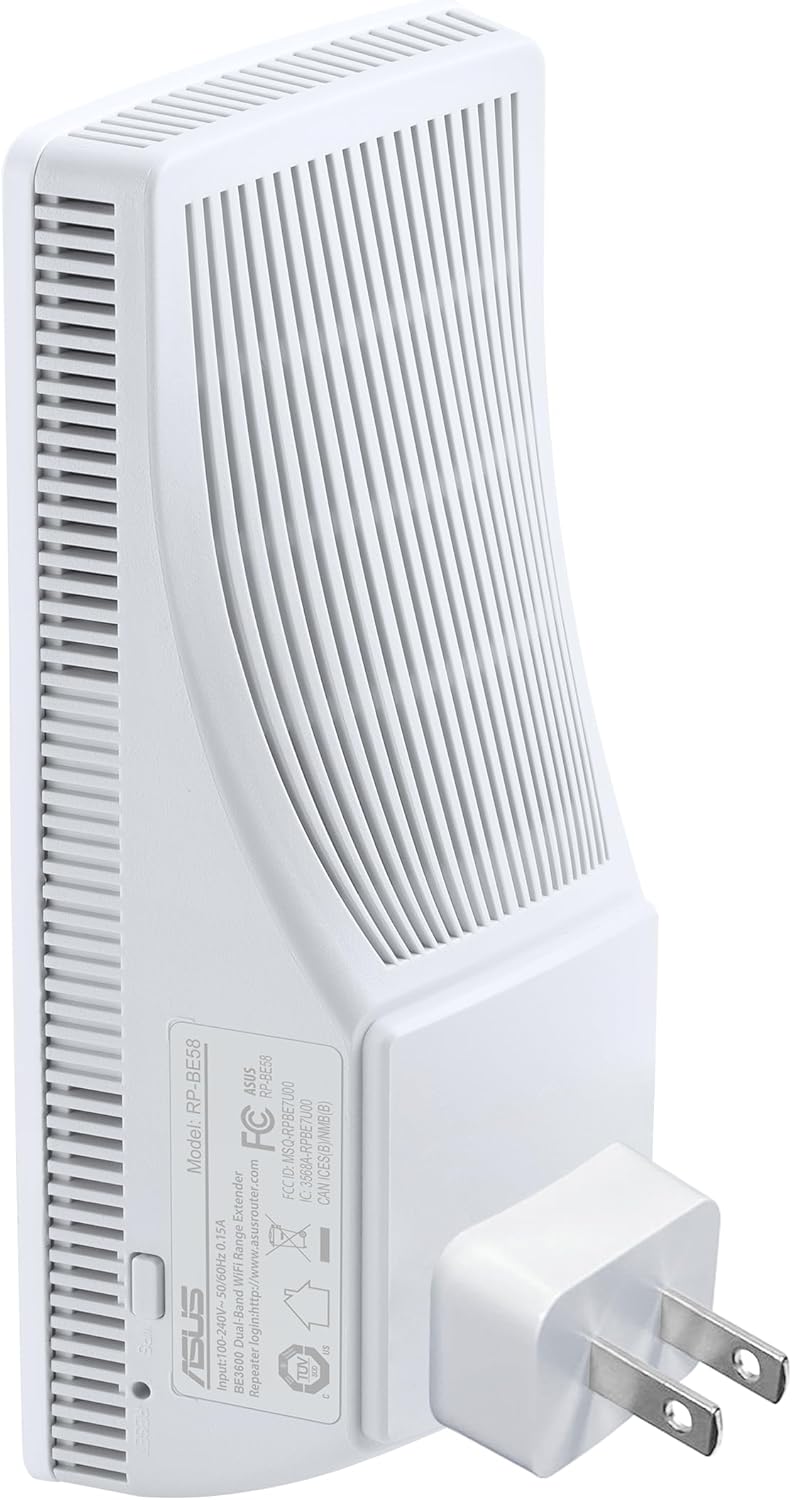

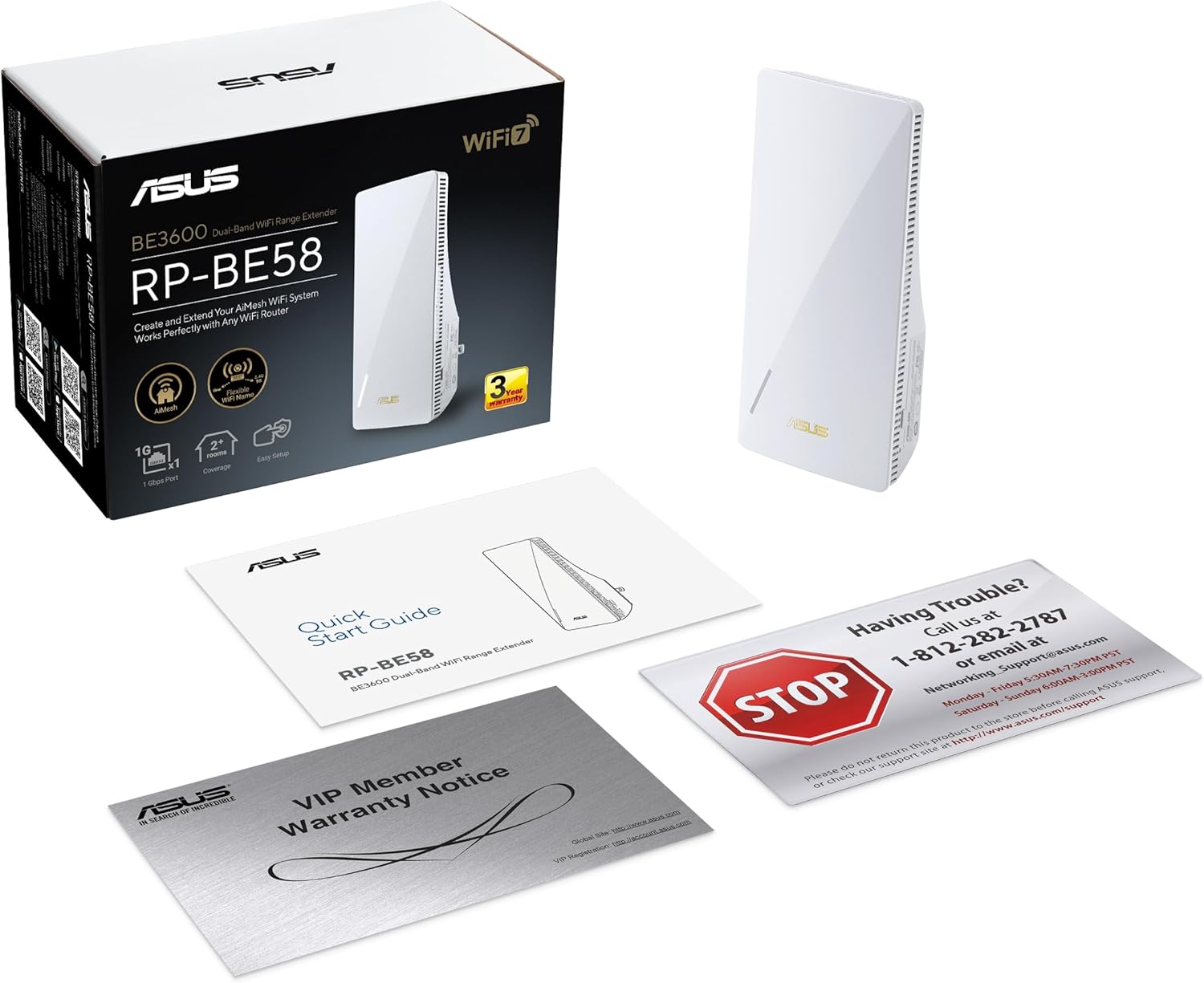
The ASUS RP-BE58 boasts cutting-edge WiFi 7 technology. Enjoy next-generation speeds and connected experiences for home entertainment and cloud computing, including 8K streaming, HDR gaming, content creation, and AI network. With its dual-band range extender, the RP-BE58 expands wireless coverage up to 2,200 sq. ft., ensuring unmatched performance throughout your home.
WiFi 7 Standard – WiFi 7 (802.11be) dual-band range extender boosts speeds up to 3600 Mbps, with 4096-QAM increasing a single frequency band’s transmission speed by 1.2 times.
Multi-link Operation – Link to multiple bands at the same time to ensure stable internet connections and efficient data transfers.
Works Perfectly with Any WiFi Router — RP-BE58 expands coverage by being compatible with virtually all WiFi routers, modems, and cable routers on the market.
Extend Seamless AiMesh WiFi Systems – RP-BE58 supports AiMesh, which enables you to enjoy a stable, seamless, and secure wireless connection with compatible devices anywhere in your home.
Easy Setup with Mobile App – Setup RP-BE58 with ASUS Router app or ASUS Extender app with just a few taps.
11 reviews for ASUS RP-BE58 BE3600 Dual Band WiFi 7 (802.11be) Range Extender, AiMesh Extender for Seamless mesh WiFi; Works with Any WiFi Router
Add a review
$79.99
ryanltd –
Works as hoped
I needed a signal strong enough to make it through an exterior wall and around a corner to a myQ garage video keypad. The straight line distance to the corner is about 10-12 feet , and another 2 feet beyond the corner to the keypad. The old wifi extender just wasn’t getting the job done, though the keypad sensitivity is rumored to be almost non-existent, so maybe mostly to blame. I bought this Asus product because I wanted to connect it as a node to my existing Asus AIMesh system. Connecting the new node was quick and easy using the Asus router app. The signal strength is now in the 60+% range vs fairly regular disconnects with the old extender. I’ve never had any issues with my 2 Asus routers, so I assumed this node/extender would be a high quality product. So far so good. The connection speed is not a big concern, since I just need the keypad to transmit a code to open the door and a short semi-low quality video. So I don’t know the speed of the connection, just that it’s fast enough to meet my needs.
T. Wiktor –
Great for ASUS AIMesh routers at a low cost
If you have an Asus router and don’t really want to shell out a ton of money, this unit is a great way to extend your network range especially if you want to use the AIMesh capability in all Asus routers. It’s fairly easy to set up and gives you dual band wifi 7 at a low price. Once set up you don’t have to mess with settings for the most part and now that the firmware is current it works well. It’s best to actually hardwire it to your main router to get the best speeds but if you can’t do that, it can be linked wirelessly which is fine if you are just connecting IoT gear. If you need high bandwidth, stick to wired back haul. It’s basically the same as the RP-AX58 only it is meant for wifi 7. Mine is in my garage which is detached and about 40 feet from the main AXE-16000 using wired back haul where I use it in an art studio and to connect a few security cameras. It has no problem connecting the cameras through the wire backed stucco which tries hard to mess with the signals. Overall this is a great addition that’s inexpensive and is easy to set up.
Richard M. –
Do not buy
I was having trouble connecting it with a secured network, could not get it done. I called customer service and that’s when it started, 01-05-26 I spent over 68 minutes on the phone with a person in New Albany IN. and again on 01-06-26, over 60 minutes and again 01-06-26, over 70 minutes and again 01-07-26, 68 minutes and then they had me call Fremont CA. with a call over 58 minutes and they said they were going to call me back, no call so I and going to return it. Their e mails are so apologetic and want to help so why don’t they.
LB –
Works great for me
Setup was easy and the device seems to be working well. Others have mentioned needing to use a separate app to manage this device. I have not experienced that issue. I already owned an ASUS mesh WiFi system and I set this device up as an AIMesh node. I can mange it from the same ASUS app I’ve already used.I imagine, if you do not already own an ASUS Mesh system, you may need to use a separate app.
Mike –
Worked surprisingly well, with little effort
This device linked up as expected with the mesh relay. I did not have any of the problems that I have read in other reviews. It was extremely painless, just follow their instructions. I purchased 2 of these and both are working very well.
TaejhanAceDaddy –
Not happy with this item
It works but have to use a separate app to make it work like if u add it to your original setup with my other aimesh setup it won’t work so now I have to use two different app and you can’t know what connected or how much devices using this device.If you want this extender to work in ur asus app you have to use it wired if you go wireless and try pairing it with the other device it will allow you to setup and add it to the app but once done it won’t connect it will just show as offline and then the device will stay trying to connect I left it for about 12hrs to try connect after setting it up and adding it to the app but it never worked unless I connect it with wire.
S casino –
Setup no problem
Love these. I setup my network for DHCP added these as mesh node in the Asus Router app and the just work. Couldn’t ask for more. Great coverage too! I got 3 of them with a router on repeat in the middle running a wifi/Poe system also and no lag? Sold!
Slider821 –
Works Great, easy setup with Asus app.
How hard is it for other reviewers to set up an extender or AP? Simply plug it into router, use app to detect it, then move it to the desired location. Took 2 minutes to set up and is working flawlessly extending wifi to the deadzone in the back of my house. The wired backhaul is a nice feature. It works exactly the same as the RP-AX58 just has wifi 7 capabilities. If you have an Asus router to setup AiMesh, this is the one to get. If you don’t have an asus router, may as well get a cheaper brand as they all do the same simple task.
J. Lambert –
I have it hardwired to an aging (but sufficient) RT-AX58U through a 12″ concrete slab, and now my basement has full and seamless wifi coverage without needing a new SSID (through AiMesh). I really can’t complain, it just worked. Helps that it was on sale when I bought one. Hopefully I get a few years out of it, but Asus products are fairly reliable in my experience.
GDL BUYER –
La mejor opción para extender tu red especialmente si usas iMesh
Eric –
I have the ASUS ExpertWiFi EBR63 AX3000 WiFi 6 Business Router, and it does a good job but I needed to extend the range, so I purchased this device.First issue: Range was underwhelming. On the box cover for this product, it says, “Coverage: 2+ Rooms”. This expectation was not clearly set at all. In fact, at the time of writing, the word “rooms” does not appear on this page at all. It’s only visible if you zoom into the final image of the box cover. This feels a little insincere to me.To make matters worse, I did not have the seamless AI Mesh experience that I was promised. Devices’ network connections paused on my iPhone and other devices (speaker) as I moved around the house. This is not what I was expecting from “seamless” and this is the reason for me returning it. The product looks great, and it was easy to set up – Maybe I could even configure it differently, but I need this to be dead simple for me to consider it worth the money. In the end, I’m not satisfied with this product.I’ve got no problem with Asus though. Instead, I’m buying another of the ASUS ExpertWiFi router. I’m hoping software and hardware parity will enable a more seamless experience.