

LEFFOT Android 13.0 TV Box, 2GB RAM 16GB ROM, M1 4K Ultra HD Home TV Streaming Device, 4K@60Hz Video Output, Support 2.4G & 5G WiFi 6, BT 5.0, HDR10, 3D, Rockchip RK3528 Quad-Core A53 CPU
$26.99
Related Products




Product description


Warm tips
If you encounter compatibility, application downloads, or any other issues, please let us know and we will provide you with a solution as soon as possible.
In daily use, most of the problems encountered can be fixed by first restoring the factory settings and then upgrading the system.
Restore factory settings path: Click on “Settings” → dropdown, click on “Device Preferences” → click on “About” → click on “Restore factory settings or reset”.System upgrade path: On the homepage, click on “More APP” to enter the “More APP” interface ->find the “FOTA Update” APP, click on this application to enter the system upgrade.
Application compatibility:
Our TV box comes pre installed with apps such as Ggle Play, NetF, Prm Video, YuTub, and more. It should be noted that these application manufacturers recommend using pre installed applications as they are already compatible with the TV box’s system. Manufacturers do not recommend installing or upgrading other versions to avoid compatibility issues that may prevent the application from functioning properly.If upgrading these applications results in compatibility issues or inability to use them properly, you can restore the normal use of the applications by resetting them to factory settings.If there are compatibility issues with the product during normal use, a system upgrade can be performed to fix them.
Application installation:
Most applications can be installed from Google Play, and it is recommended to choose the 32-bit system version or the universal version;Download and install the required apps, such as Dsny+, through the APKPure app store;Download and install the required applications through the Aptoide TV app store;Download the APK file and install the application through a USB drive:
USB installation method: Download the APK format (32-bit or universal version of the application, non ZIP/RAR compressed file) application installation package to the USB drive, and download the TV version (mobile version may not be compatible with remote control operation); Format the USB drive in FAT32/exFAT format (NTFS may not be recognized); Then, open the USB drive through “Media Center” or “File Manager”, long press the APK file and select “Package Installer” to install.
High-Performance Android TV Box: Experience seamless home entertainment with this Android TV box featuring Rockchip RK3528 quad-core processor and 2GB RAM. Perfect for streaming, local media playback, light office tasks, communication, and casual gaming, it offers a cost-effective solution for family needs without focusing on intensive gaming applications.
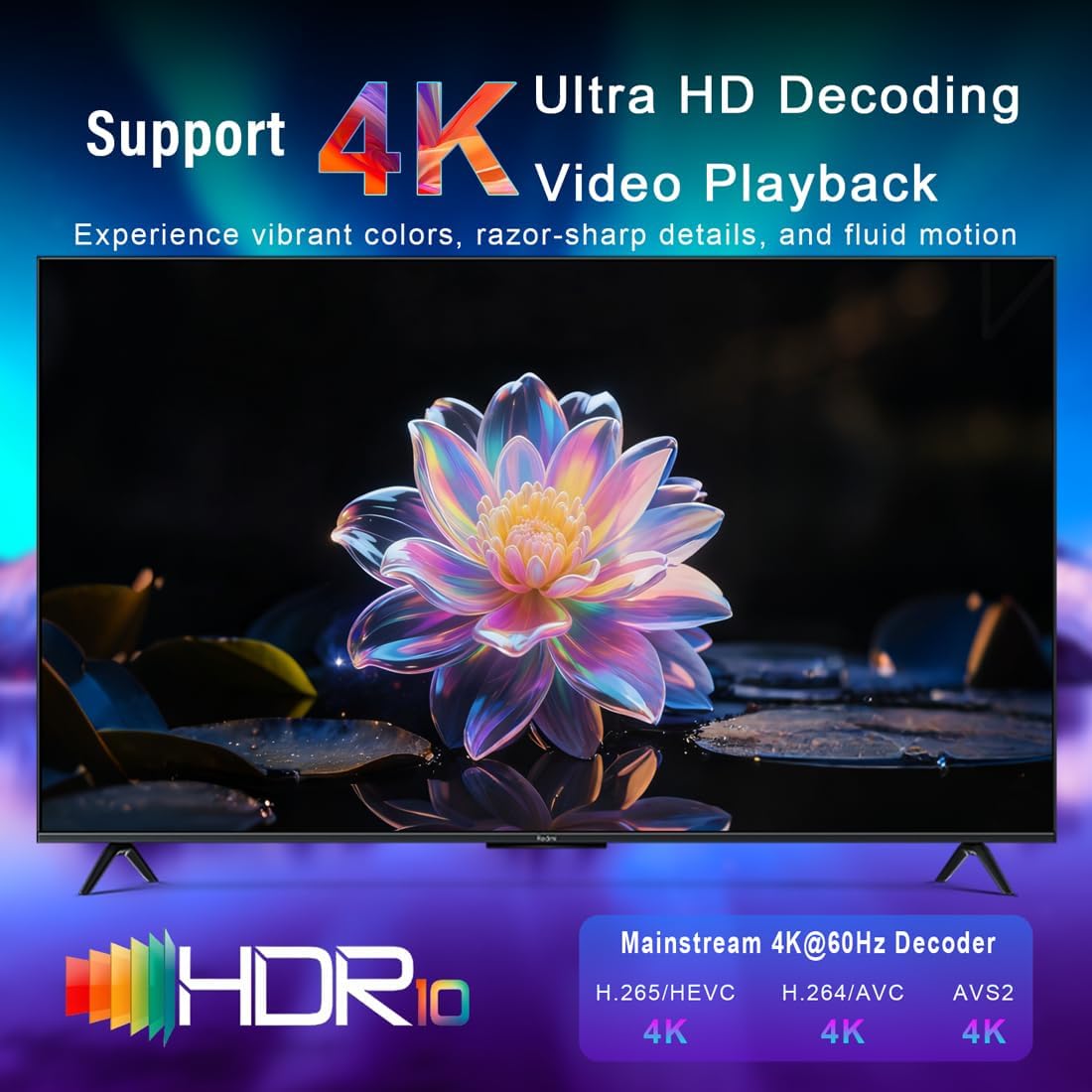
4K Ultra HD Visuals: Enjoy stunning 4K@60fps video decoding powered by the Mali-450 GPU, supporting H.265/HEVC, H.264, AVS2, and more formats. This Android box delivers cinema-like picture quality for an immersive viewing experience on your home television.
Latest Android 13 OS: With the updated Android 13 operating system, this smart TV box allows easy access to popular streaming platforms and apps via app stores. Customize your entertainment with a wide range of media, utility, and light gaming applications.
Dual-Band Wi-Fi 6 Connectivity: Equipped with 2.4G and 5G dual-band Wi-Fi 6, this IP-TV box ensures stable and smooth streaming for 4K content, reducing buffering and enhancing your overall home viewing experience.
Ample 2GB RAM and 16GB Storage: This Android TV box 2025 model provides sufficient memory and storage to run multiple applications smoothly, meeting the demands of family streaming, media playback, and daily entertainment uses.
Smart Screen Mirroring and Multi-Device Support: Featuring built-in DLNA Airplay, WiFidisplay screen casting functions, easily mirror content from smartphones or tablets to your TV. Compatible with 2.4G wireless keyboards and mice, it can serve as a lightweight home office terminal.
Versatile Connectivity Options: With BT 5.0, HD, USB, DC, and AV ports, this home TV streaming media player enables easy connections to external devices like audio systems, storage, and peripherals, expanding your home entertainment setup.
Complete Accessories Included: The package comes with HD cable, remote control, user manual, package box, and power adapter, providing everything needed for quick setup and immediate use of your Android box.
Multi-Functional Home Entertainment Hub: Ideal for online video browsing, app downloads, local media playback, communication apps, and office tools, this Android TV supports various family activities, offering flexibility and convenience in daily use.
User Reviews
Be the first to review “LEFFOT Android 13.0 TV Box, 2GB RAM 16GB ROM, M1 4K Ultra HD Home TV Streaming Device, 4K@60Hz Video Output, Support 2.4G & 5G WiFi 6, BT 5.0, HDR10, 3D, Rockchip RK3528 Quad-Core A53 CPU”
$26.99
There are no reviews yet.