

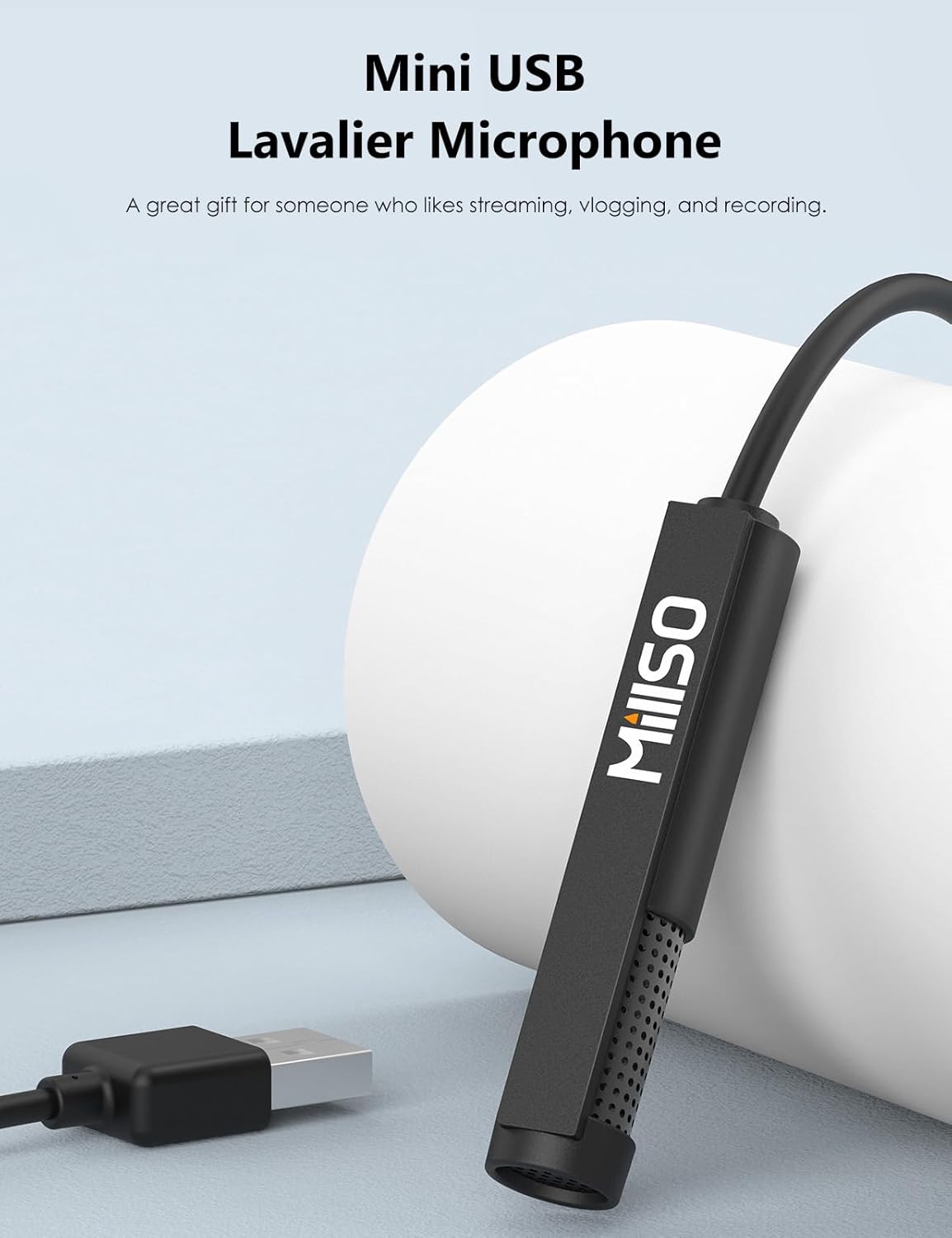
MillSO USB PC Microphone Plug & Play Omnidirectional External Lavalier Mini USB Microphone for Computer, Laptop, YouTube, Meeting, Recording, Podcasting, Gaming – 1.5m/4.9ft
$13.99
Related Products




Product description
The video showcases the product in use.The video guides you through product setup.The video compares multiple products.The video shows the product being unpacked. hero-video Merchant Video
This is a class-compliant mini USB microphone, allowing plug-and-play functionality with all types of computers with USB, simple to capture your voice. And this wired USB microphone is not subject to signal interference, transmission is stable.



Excellent USB External Microphone for Computer 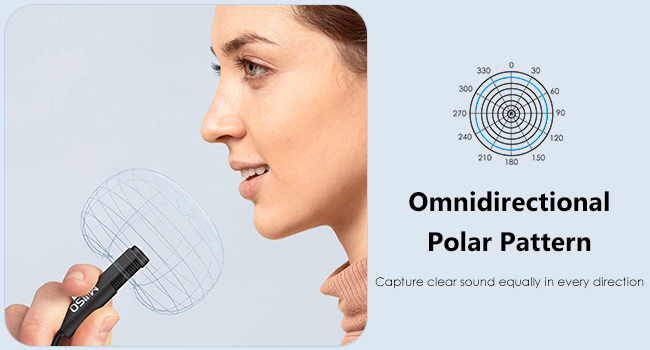
Some Things You Want to Know
Package List USB microphone, customized box, brand manual, extra sponge wind muffs and clip Tip 1 Please check both system and software preferences and set “USB PnP Sound Device” as the DEFAULT INPUT DEVICE, so that it can be recognized by Windows. Tip 2 Please don’t connect the microphone to an extension adapter (including USB hub), or it will weaken the signal sent from devices. Tip 3 No gain control, please adjust the volume on the device or via Windows software. Tip 4 No inline mute button, please disable the microphone input or unplug the microphone directly.
MQ2 Mini USB Microphone
MillSO Microphone Series
4.9 ft / 1.5 m
Length
1 ft / 35 cm
Lavalier or Handheld
Design Style
Gooseneck Stand
Plug and Play
Feature
Plug and Play
Touch Key
LED indicator
Mute Function
Noise Reduction
4.9 ft / 1.5 m
Length
6.5 ft / 2 m
Lavalier or Handheld
Design Style
Lavalier or Handheld
Plug and Play
Feature
Plug and Play
Touch Key
LED indicator
Mute Function
Noise Reduction
4.9 ft / 1.5 m
Length
6.5 ft / 2 m
Lavalier or Handheld
Design Style
Lavalier or Handheld
Plug and Play
Feature
Real-time Monitoring
Touch Key
LED indicator
Mute Function
Noise Reduction
4.9 ft / 1.5 m
Length
1 ft / 35 cm
Lavalier or Handheld
Design Style
Gooseneck Stand
Plug and Play
Feature
Multi-function Mode
Touch Key
LED indicator
Mute Function
Noise Reduction
MQ1 USB PC Microphone 
MQ5 USB Lapel Microphone 
MQ6 USB Lapel Microphone 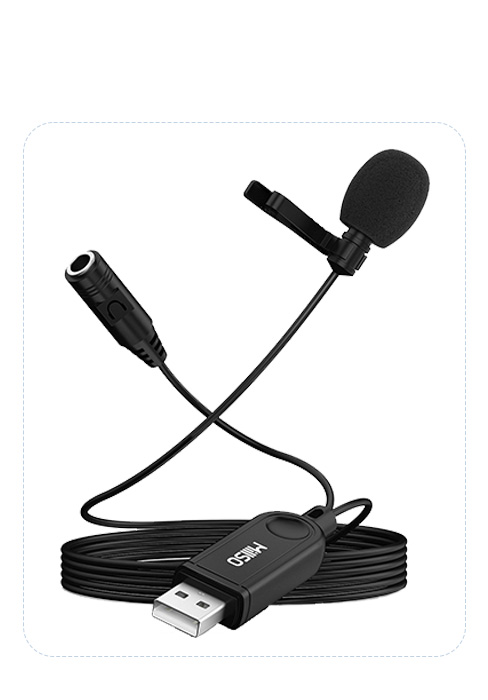
MQ7 USB Laptop Microphone 
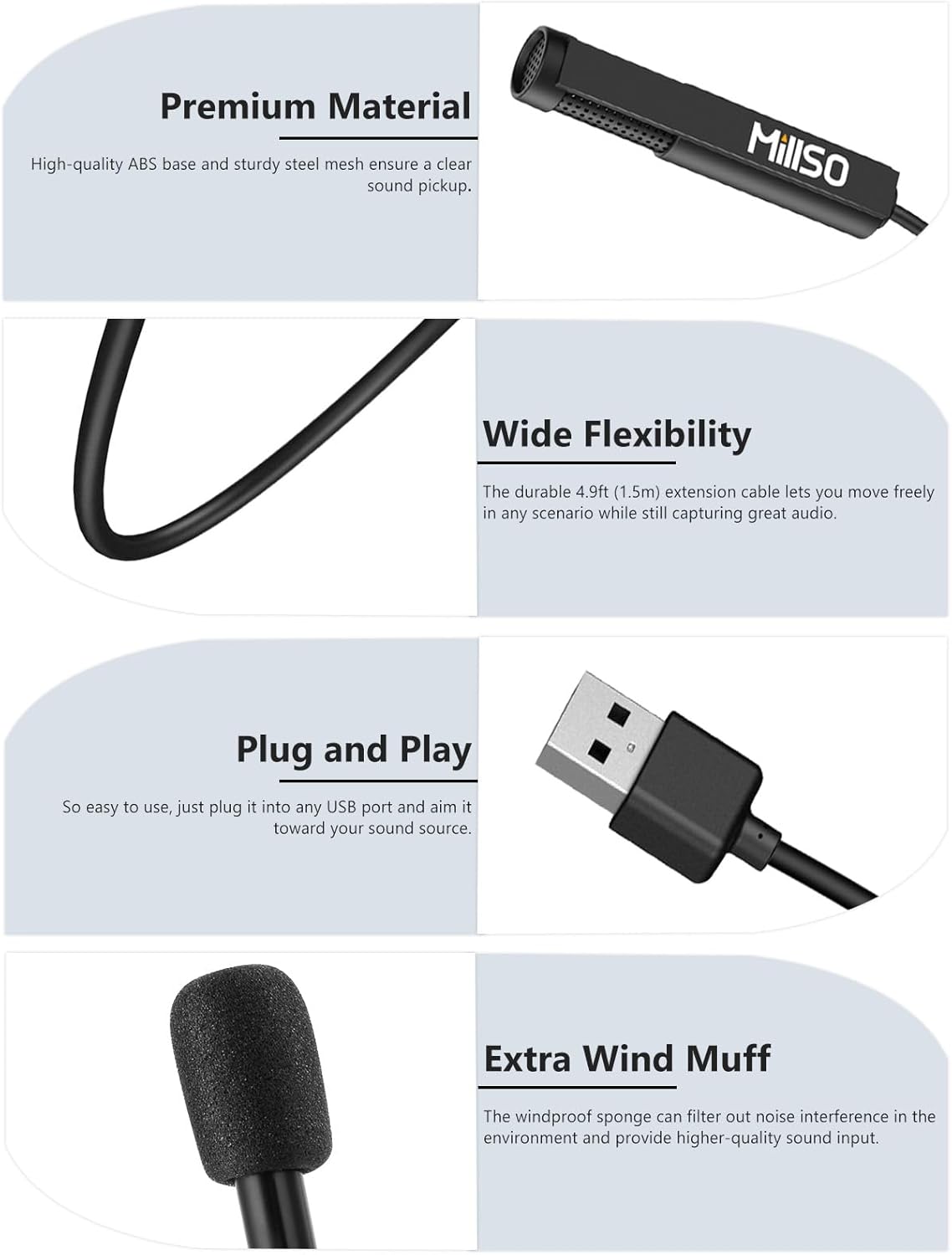
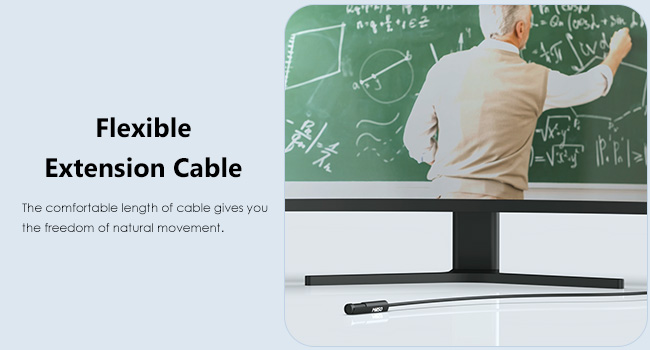
Great Flexibility: This USB PC microphone features a 4.9ft (1.5m) extension cable that provides a comfortable length of cable for when you are close to your computer or seated, and lets you move freely, which also allows you to be free from earbuds. The compact USB body size design makes sure you will not interfere with other devices when using other USB ports, and the wired microphone uses a direct connection to the device, resulting in better sound input.
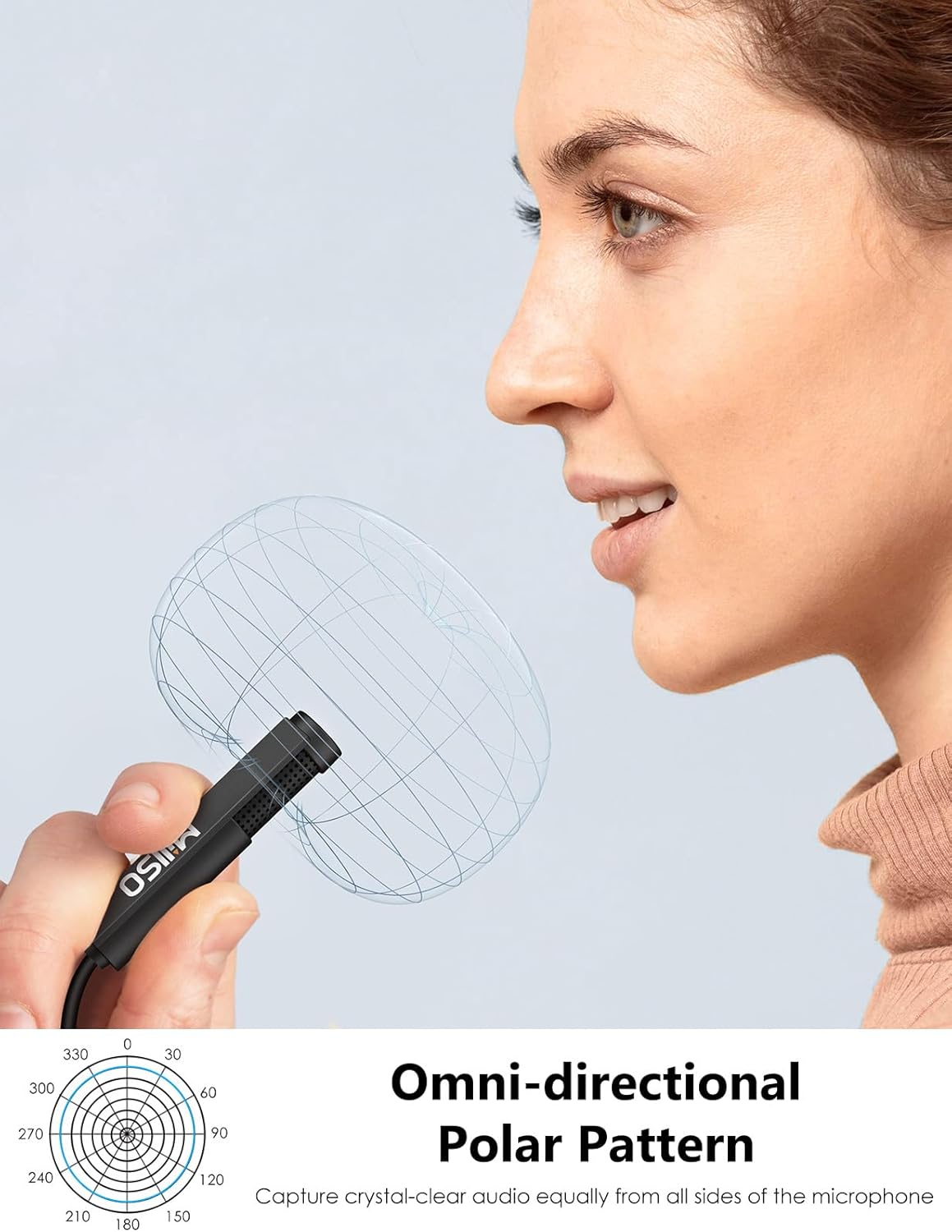
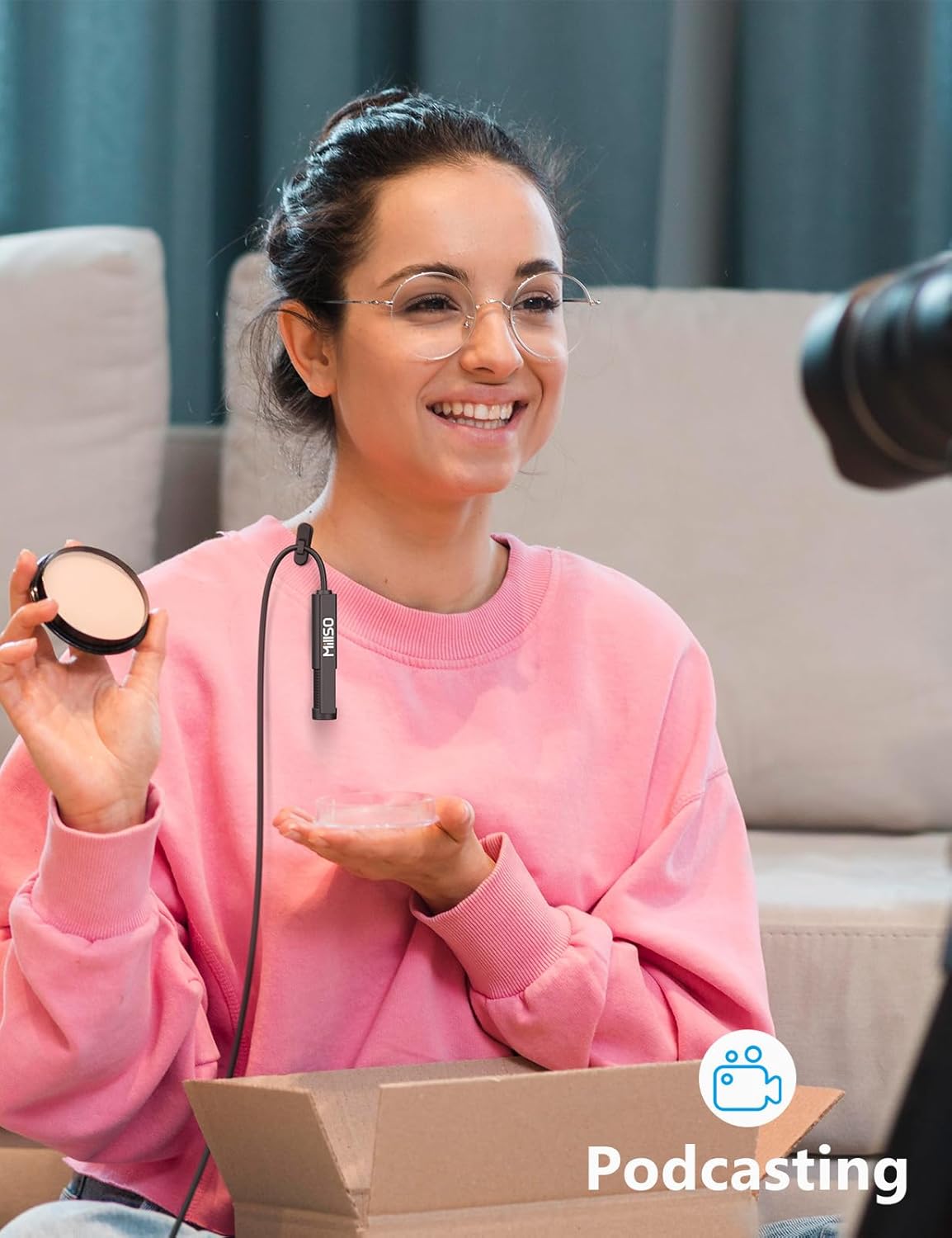
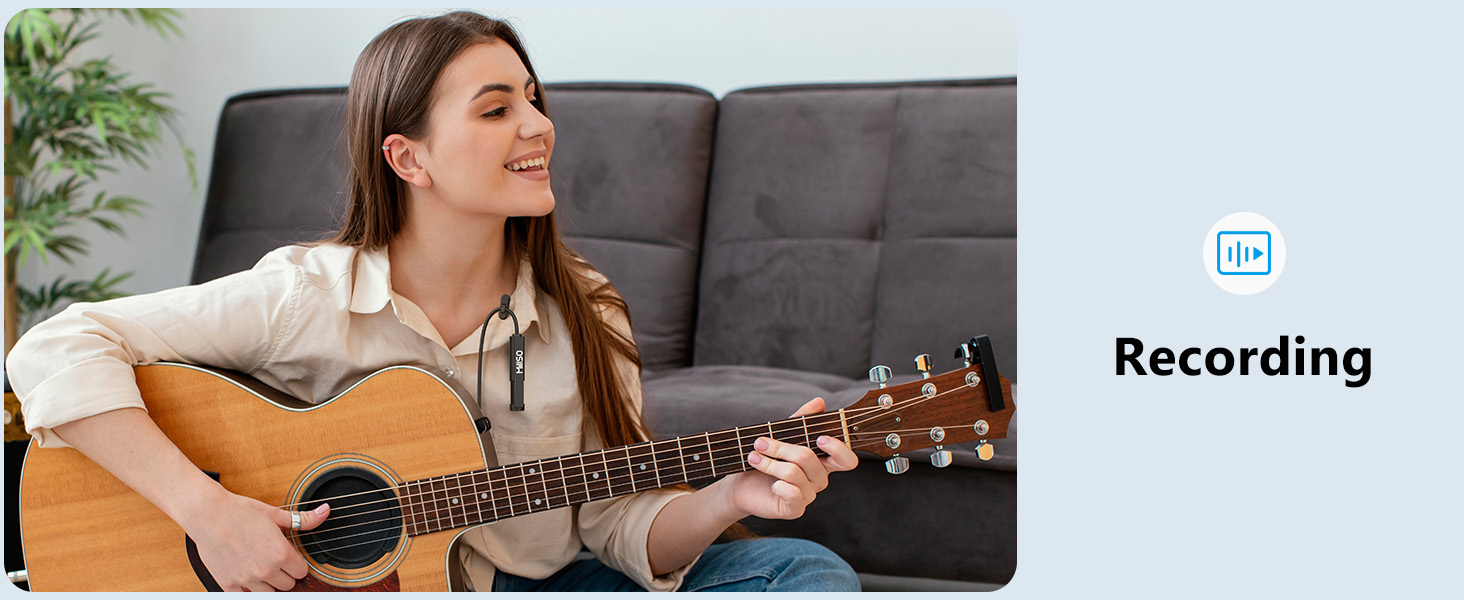
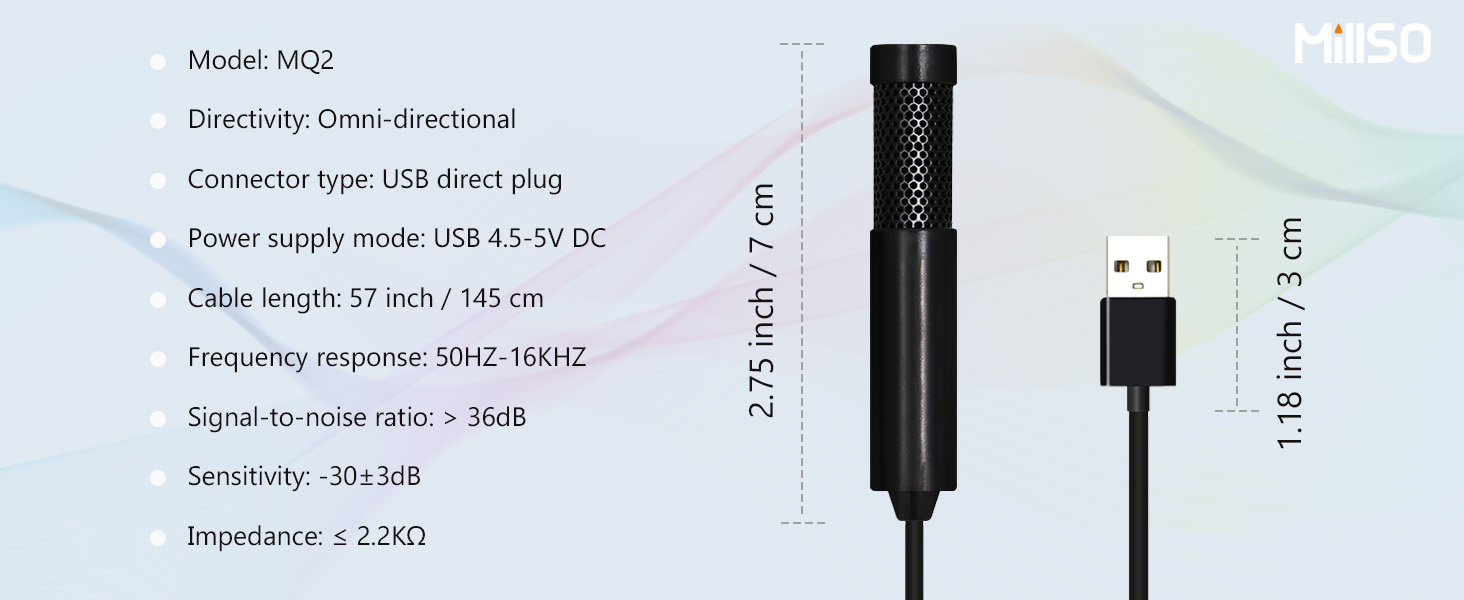
Omnidirectional Pickup Pattern: USB computer microphone can capture sound equally in every direction, so you don’t need to worry about what direction the mic is pointing in, suitable for use in a variety of ways (handheld, clipped to clothing, or placed on a desktop). It works best if you place it within 30cm from you, you will get excellent and clear sound. Ideal for recording, YouTube streaming, meetings, online chat/classes, gaming, telework, etc.
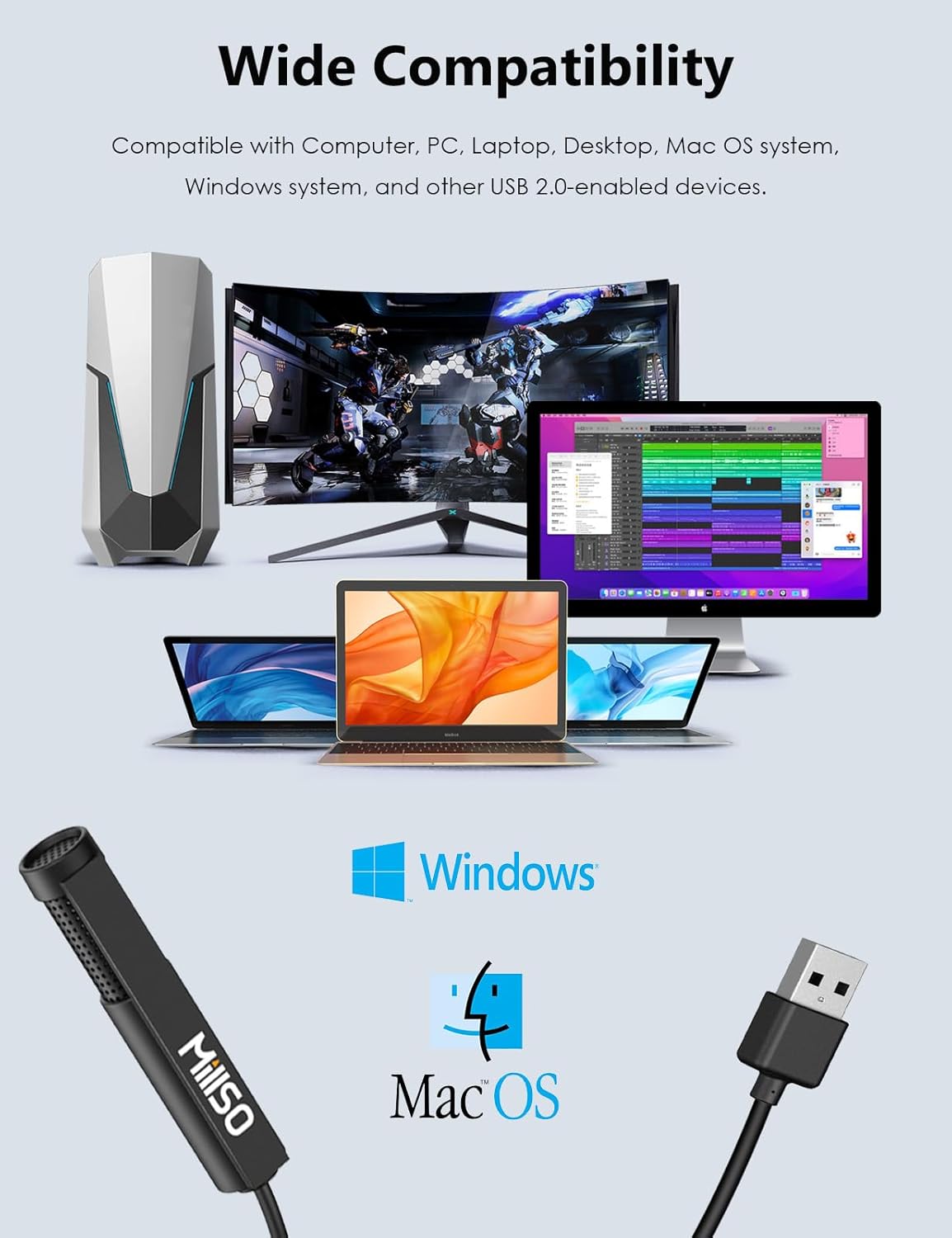
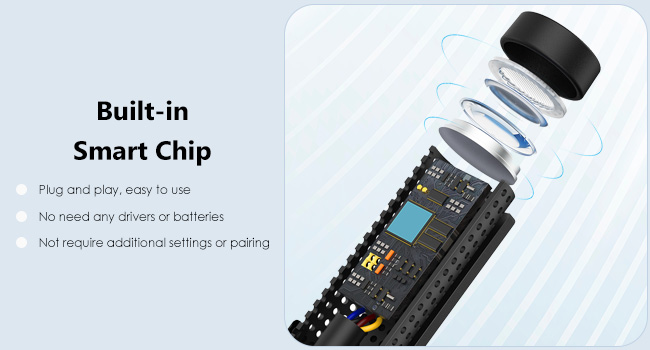
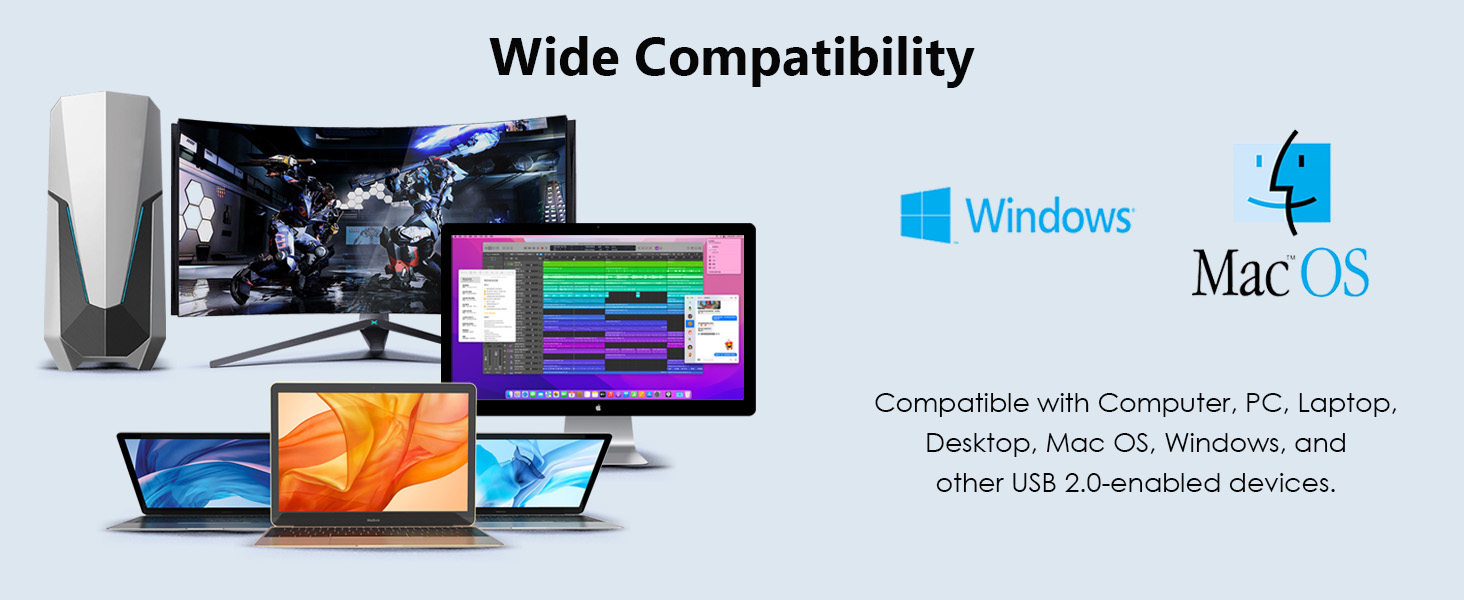
Driver Free, Plug and Play: Simply plug this USB little microphone into any laptop or PC with a USB-A port, which can be instantly recognized and start working without any drivers or software. USB bus-powered, no external power/battery is required, so when the internal mic in your laptop doesn’t work, this USB external microphone has been a perfect substitute.
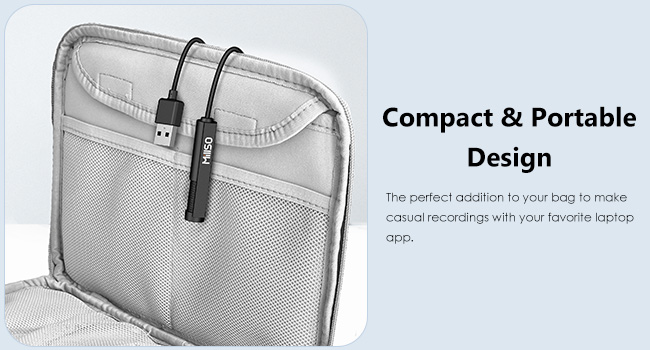
Premium Material and Design: The USB clip-on microphone adopts with built-in smart Chipset, which allows you to have good voice quality on the recording. The compact packaging box design allows you to carry this mini PC microphone in a pocket to the office, conference room, or at home, which is a great choice for someone who needs a portable and convenient microphone for on-the-go needs.
Warm Tip: This USB Lavalier lapel microphone has no inline mute button, you can adjust the volume either on the device or via Windows software.
Why Choose MillSO USB Microphone: We value each of our customers’ shopping experiences and offer 24*7 customer service and technical support for our USB lapel microphone, to ensure your pleasing shopping experience. If you encounter any quality trouble or compatibility issues, please let us know.
7 reviews for MillSO USB PC Microphone Plug & Play Omnidirectional External Lavalier Mini USB Microphone for Computer, Laptop, YouTube, Meeting, Recording, Podcasting, Gaming – 1.5m/4.9ft
Add a review
$13.99
Donna –
Nice USB microphone at a great price.
The MQ2 microphone arrived in a small cardboard box with a plastic tray inside. The box contained the mic cable, a foam windscreen cover, and small paper User Guide (with multiple languages. Two clothing clips were attached to the microphone cable, and a dust cover was on the USB connector.One side of the windscreen had been pinched between the inner plastic tray and cardboard box, leaving it slightly misshaped. But that spot went away and is unnoticeable a few days after it was out of the box.The paper manual is a generic guide that applies to many products. The website link provided to download an Instruction Manual ( millso.com/download ) did not load any web page at all. I was able to quickly find their website and locate another download link for manuals ( https://www.millso.com/download.php ) but the MQ2 is not listed. I assume no additional Instruction Manual is available at this time for this new product.That said, I did not require any type of manual to get this microphone to work on my computer using Windows 11 Pro. I just plugged in the USB cable, waited a few seconds while Windows detected and installed the new ‘USB PnP Sound Device’, and the mic was setup and ready to use.I used the Zoom video conference program to test the microphone, which was listed as an option called “Microphone (USB PnP Sound Device)”. I found the audio quality of this microphone to be very good. Speaking towards the mic from all directions, it picks up the sound from all directions and is understandable. The front and side with the grill holes was slightly louder as expected, but not drastically so. It will be useful as a general area microphone in conversational environments, but may have issues if any loud or annoying noises are present in the area.The two clips on the wire are functional to hold the wire to basic clothing, and can be placed anywhere along the wire. The microphone will dangle and move around however if attached to a person with just these clips. Adjusting the mic so the side holes are not facing into clothing will take some fiddling with the clips on the wire, and even then the relatively large and heavy mic body (as compared to the flexible wire) will probably move around while attached to a person’s clothing. Some type of alternate clip (not provided) that attaches directly to the hard plastic case would be preferable if you need a clip-on solution. Sitting the mic on a flat surface that doesn’t move, or attaching it with tape/rubber bands/etc should also work. I would NOT recommend placing the wire clips right at the point where the wire enters the plastic case, as the weight of the mic pulling on the cable where it enters the case will put a lot of strain on the cable over time and possibly damage it. Best to attach the plastic body itself directly to whatever will be supporting it, and just using the wire clips as wire management to keep the wire under control. Allowing the mic to hang loose and “upside down” as shown in one of the product images works as sound is picked up in that orientation, regardless of the esthetics of that look.Overall my initial impression of the MillSO M2Q is that it is an excellent value for it’s price. It worked as expected as a Windows Plug and Play device, it can be easily moved around and/or attached as needed, and the audio quality was clean and noise-free from my initial testing. As a convenient detachable microphone that can be stored in your laptop case to a permanent microphone installed for a desktop, this inexpensive microphone should work for a wide range of uses.
YMC –
A product you must have for speaking using your computer
The MillSO USB Lavalier Microphone with headphones jack is an impressive choice for anyone in need of a reliable, budget-friendly audio solution. This compact lavalier microphone delivers clear, professional-quality sound, making it ideal for podcasts, interviews, online meetings, and content creation. The built-in USB connector allows for plug-and-play functionality, ensuring compatibility with PCs, laptops, and even some tablets without the need for additional drivers. A standout feature is the integrated headphone jack, which provides real-time audio monitoring. This is particularly useful for ensuring sound levels and quality during recordings. The microphone’s omnidirectional pickup captures sound from all directions, providing a natural and balanced audio experience.One minor downside is that the cable length might feel short for some setups, but its sufficient for most close-range recording needs. Overall, the MIllSO USB lavalier Microphone offers excellent value, combining high-quality audio performance, ease of use, and practical features, making it a great investment for both beginners and professional equally.
esprit –
On generic android box lots of electronic noise mixed in with the audio
PROs:- It easy was recognized by a generic android 8.1 TV box, the intended platform.- Audio sensitivity is good. Not as sensitive as a MOVO USB mic but good.- Audio is clear and natural sounding. The Movo mic by comparison really picks up low and sub sonic frequencies that can muddy up the sound.CONs:- TONS of electronic noise mixed in with the sound to the point that it is unusable.The mic was not all that close to the generic android TV box, so it really shouldn’t have been that bad. A MOVO mic was also tested and it had no noise on it, by comparison.I’ll do some more tests with different devices to see if it works for any other application and update this.UPDATE: Tested with a Win10 Tablet PC and I could not hear any electronic noise. Maybe a faint hiss but not bad at all. Also held a cell phone next to it at different angles and no noise! For the money this would be a good mic for some, perhaps most devices, but it just didn’t work for for the one I needed unfortunately. Bumping up another star though because of all the pros in general.
3ric Johanson –
It’s dead under linux
Not USB compliant. Won’t work under linux and likely other operating systems. Avoid.[ 1.723646] usb 1-1.3: new full-speed USB device number 4 using xhci_hcd[ 1.831439] usb 1-1.3: config 1 has an invalid interface number: 3 but max is 2[ 1.831488] usb 1-1.3: config 1 has no interface number 1[ 1.837277] usb 1-1.3: New USB device found, idVendor=1b3f, idProduct=5578, bcdDevice= 1.00[ 1.837318] usb 1-1.3: New USB device strings: Mfr=1, Product=2, SerialNumber=0[ 1.837328] usb 1-1.3: Product: usb microphone[ 1.837336] usb 1-1.3: Manufacturer: MUSIC-BOOST
Shining Scrutiny –
I spend a good part of my day on Zoom calls, right? And honestly, I was getting feedback that I sounded all “echoey” or just distant with my laptop’s built-in mic. Not ideal. Plus, I didn’t want a huge podcast mic cluttering up my desk. That’s when I found this MillSO USB lavalier mic, and wow, what a game changer! It’s such a neat, low-profile solution.The Good Stuff:First off, the audio quality? Huge upgrade! My coworkers noticed right away, like, they actually said my voice sounds clear and rich now, instead of that hollow, roomy sound I had before. And let me tell you, that headphone jack on the USB connector is a lifesaver! I can plug my earbuds directly into the mic dongle to hear everything going on in the meeting. It’s like having an external sound card, which is super handy if your computer’s headphone jack is broken or just hard to get to.And the cord length? Perfect at 6.5 feet (about 2 meters). It gives me enough slack to lean back in my chair or even stand up and stretch without worrying about yanking the USB out of my laptop. Plus, it’s truly plug-and-play. I just plugged it into my Windows laptop, and bam, it worked right away, no drivers needed.The “Heads Up” Stuff:Now, a little heads up, since it’s an omnidirectional mic, it picks up sound from all sides. So, if you’re typing away on a loud mechanical keyboard while you’re talking, your team is definitely going to hear that clicking sound. Just something to keep in mind about background noise. Also, the clip is metal and pretty sturdy, which is great, but be careful when you clip it onto delicate fabrics like a silk blouse. You don’t want it to leave a mark!Bottom Line:If you want to sound professional during meetings or recordings without the hassle of a bulky setup, this mic is spot on. And honestly, the ability to monitor audio through that built-in jack makes it surprisingly versatile for such a compact gadget.
Mariah Baker –
Audio quality is surprisingly good for the price.Only complaint is sometimes it needs to be fiddled within discord Or any other software.I use it in as it likes to turn itself down somehow. if anyone else experiences this issue on Windows 11 I found a simple yet not permanent solution for this just simply open up your mic volume in windows turn the microphone all the way down then turn it back up. For some reason Once you turn it back up it is auditory
mtissing –
Not as sensitive when speaking from a distance as I had expected. All PC mic setting on max and sometimes my voice is not clearly picked up from 18″…