

USB C to AR Glasses with Charging Adapter,Simultaneously Charge and Play ,Support Up to 100W Fast Charging+8K 60Hz+4K/120/144Hz Compatible Steam Deck, Switch, iPhone15/16 Viture/Rokid/Xreal AR Glasses
$18.99
Related Products





Product description


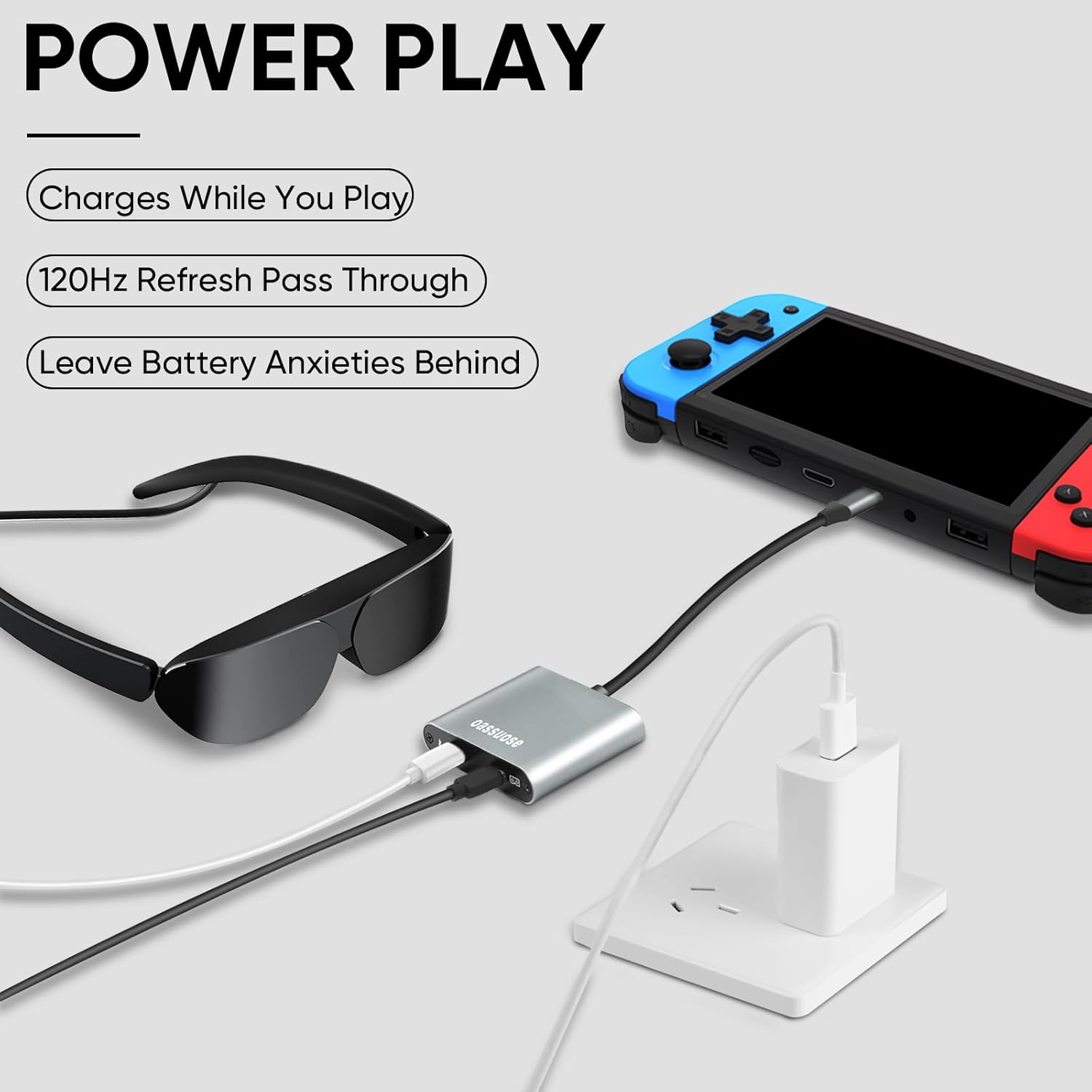
USB-C to glasses charging adapter that allows you to connect your device to AR glasses and charge them at the same time. Play while charging, so your gaming adventures are no longer interrupted when the battery runs out.Not compatible with the Nintindo Switch 2.
Fast Charging provides up to 50W of charge to your device when used with AR glasses.Note: Charging power depends on your power adapter. It is compatible with 50W/100W fast chargers and can charge your smart glasses and phone simultaneously while in use.
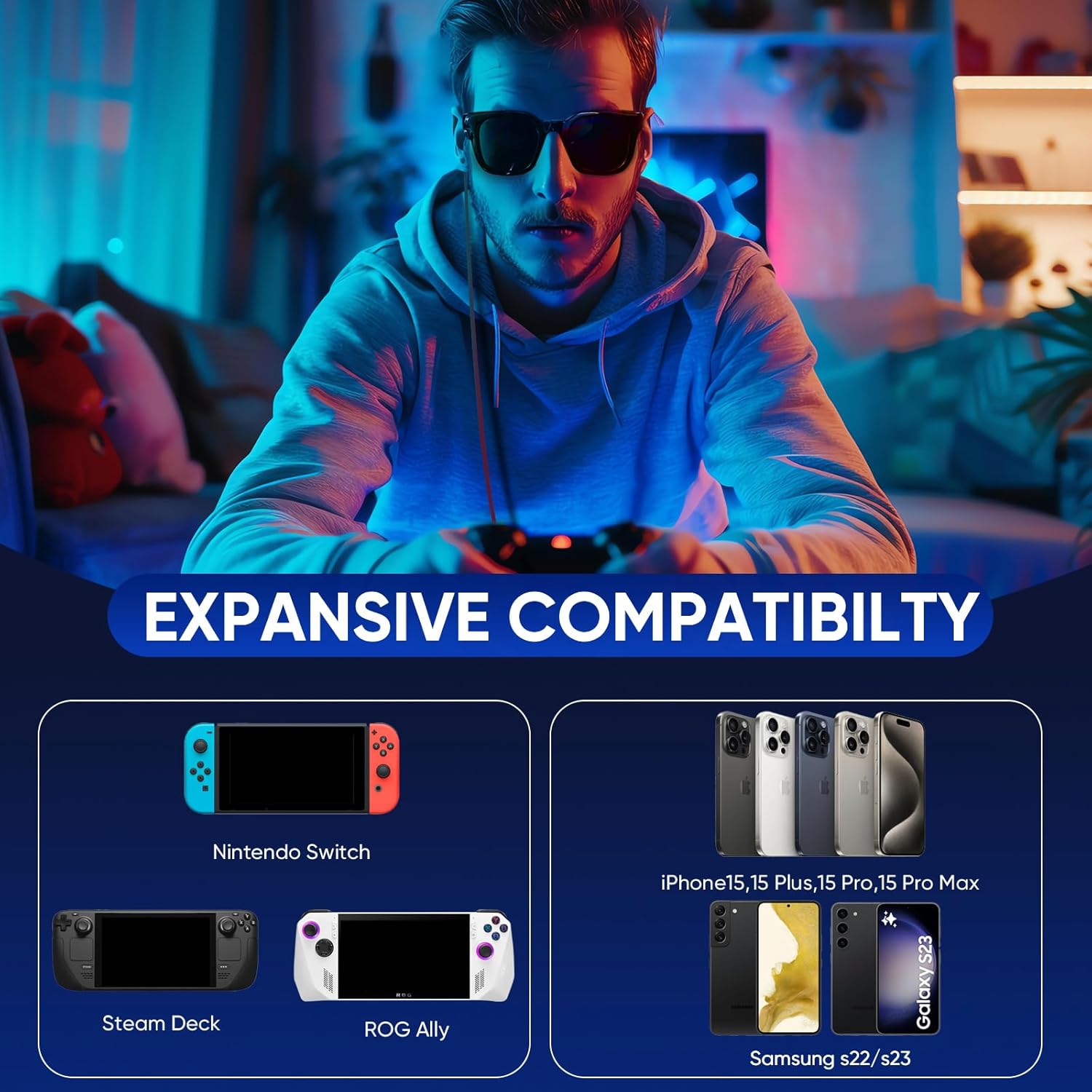
Compatible with Steam Deck, ROG Ally, Legion Go, Nintendo Switch, iPhone 15 and Samsung S22/S23. Please note: the source device must support the USB C standard protocol.
USB C interface instructions: Please make sure your device supports TYPE-C interface and supports full-function video output. Devices with HDMI interface are not supported, such as Switch, PS, and graphics card devices.Supports resolutions up to 8K, lossless image quality, adaptive resolution, and can connect glasses and monitors. NOTE: Depends on source device capabilities and display.
Warm Tip: The X AR glasses cannot be used directly. If the device is successfully connected but there is no video or sound output, you need to switch the signal source of the smart glasses to DP mode (DisplayPort mode) according to the AR glasses’ instructions. If using a portable monitor, you also need to switch the signal source to USB C mode.
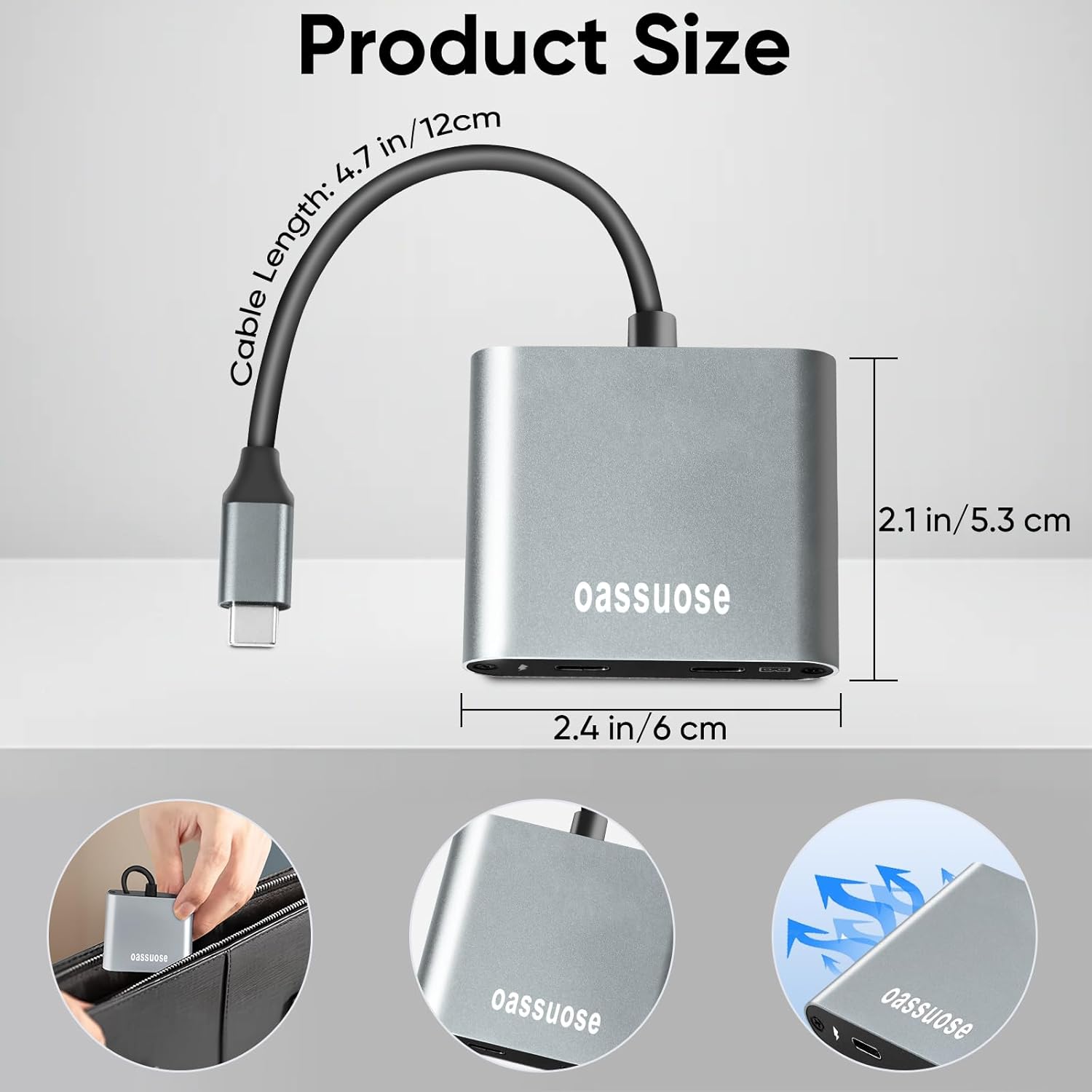
Made of high-quality aluminum alloy to ensure it can withstand daily wear and tear and provide reliable power to your devices.the smart hardware prevents overvoltage damage and supports hot-swapping, plug-and-play, and no software installation required.
8 reviews for USB C to AR Glasses with Charging Adapter,Simultaneously Charge and Play ,Support Up to 100W Fast Charging+8K 60Hz+4K/120/144Hz Compatible Steam Deck, Switch, iPhone15/16 Viture/Rokid/Xreal AR Glasses
Add a review
$18.99
J. Smith –
Works with RayNeo air 3s pro + tutorial to make it run
I could not make it work at the beginning on my Samsung s25 ultra. At first, the screen would stay black in the glasses, in addition connecting it to my phone would auto open Samsung Dex. Then, after I disabled dex, I would be able to turn on the glasses but the screen was all messed up. I would see a disjointed, 2 part picture in my glasses. But his device definitely works with RayNeo Air 3s pro, and it costs a fraction of the cost the original adapter on their site costs. Here are the steps to help you run it if you have a Samsung phone and it does not work.1. disable dex in cellphone settings.2. set display refresh to 60hz on your phone.3. restart the phone, connect the phone again and start rayneo app. Additionally, you might wanna start the app first and then connect phone to the adapter which is already connected to AR glasses.I had serious issues trying to run watch videos on my rayneo air 3s pro, but the device is totally compatible with this latest TCL product. I will update my review if I have additional issues using it later.
Amazon Shopper –
Works well with switch
I bought this adapter to use with a set of Viture One XR glasses and a Nintendo Switch OLED. Only tested for about 15 minutes but it seems to work well. The video displayed on the glasses as soon as they were plugged in and the switch acted normally for docked mode. I did not notice any difference in the video quality vs using other devices without the adapter. The adapter is large but should be manageable and is very light weight. Hopefully will hold up
chino2012 –
Not working with Switch OLED and Xreal One Glasses
I bought this so I could use my Xreal One Glasses with my Nintendo Switch OLED. I cannot get the display to work at all. I either get a completely black screen or an error message that nothing is plugged in. The Xreal One Glasses do not recognize the Switch at all. I tried using a normal switch as well but still nothing. Really frustrating.***Update*** was sent a replacement, still did not work with any of my Nintendo Switch consoles 🙁
CRYZShopper –
Good Option
Great for using my Xreal One AR Glasses. it is definitely worth for the money
Kyle Baker –
Test to find the “sweet spot” and then keep it there
Definitely works – steam deck – power 🔋 & Ray Neo Air 3Snot any one components fault but to get it to work the whole cabling daisy chain needs to be “just so” to workMy whole set up – once I find the sweet spot is epic and I am amazed by RayNeo Air 3S but it is equivalent of getting your phone to charge with a power 🔋 cable you know is wonky and charges “perfect” in like 1 specific position otherwise its useless -For me sometimes this mean me futzing with it for 10 minutes with it cutting in and out before I have got my cable attached to this thing wrapped around my steam decks forward or backward and at the right angle a couple of times so that jt all is aligned and pins to power and copper etc etc etc1st world problemWhen it works – it is glorious and i have never played video games in anything remotely as cool as this.That’s a really neat effectSolved RESIDENT EVIL 3 with this thing running signal to my Ray Neo Air 3S and drawing power 🔋Its like adjusting bunny ear 🐰 antenna 📡 on crt tvs 📺 back in the day
Jesse Herrera –
Charging
This great item yo use when your using your vr glasses and another item st the same time you will always get a good charge
Hakan Yutatsu Chang-Gilhooly –
Worked perfect.
It worked perfect for my Galaxy S10+ to connect it to my Rayneo Air 3s. I can now charge and play. Have had zero issues with getting it set up. Perfect.
Half-Way House –
Works but not ideal
Cable struck me as far too short. You are kind of stuck with a cluster of items on one end. Not ideal for what I am doing.