

VITURE Luma XR Glasses — 146” 1200p Ultra Sharp Display, 1000 Nits, 50° FOV, Dimming Adjustments, USB-C Connection for iPhone, Android, Mac, PC, Steam Deck, First-Ever XR Experience for Switch 2
$359.00
Related Products


Product description
The video showcases the product in use.The video guides you through product setup.The video compares multiple products.The video shows the product being unpacked. VITURE Luma XR Glasses Merchant Video





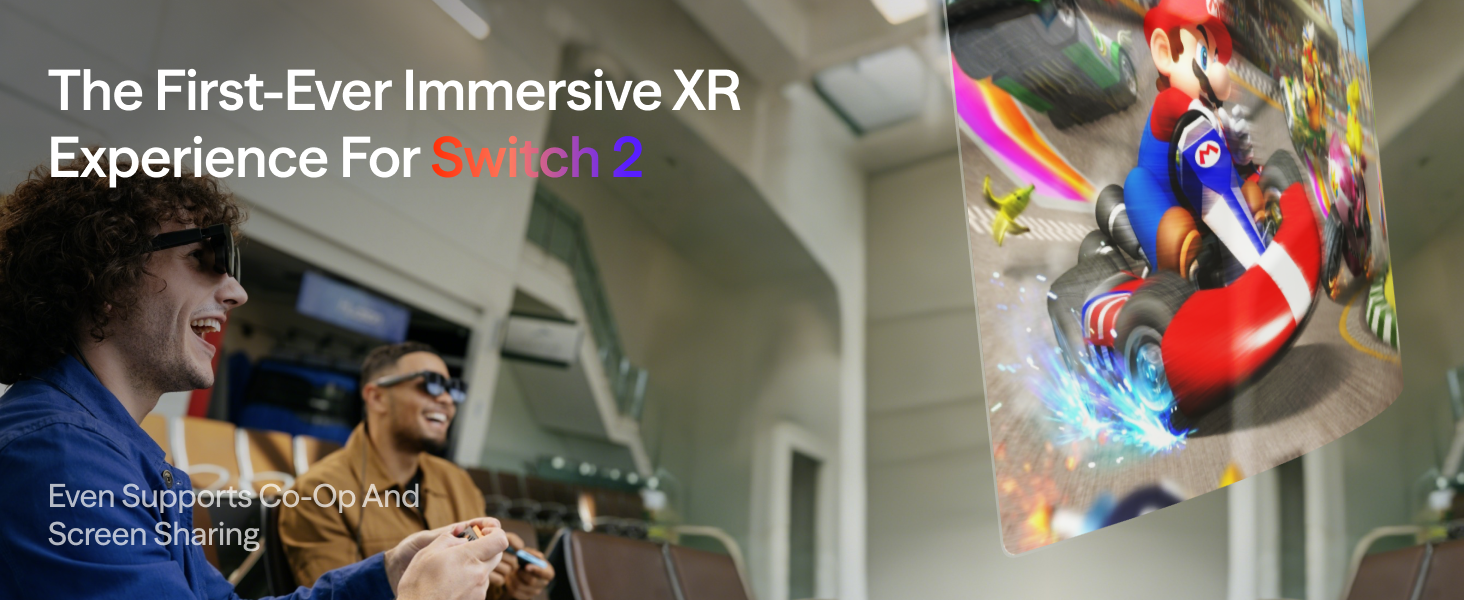


The video showcases the product in use.The video guides you through product setup.The video compares multiple products.The video shows the product being unpacked. First-ever Immersive XR Experience for Switch 2. Merchant Video
The First-ever Immersive XR Experience for Switch 2!
The video showcases the product in use.The video guides you through product setup.The video compares multiple products.The video shows the product being unpacked. even supports co-op & screen sharing. Merchant Video
Even Supports Co-op & Screen Sharing
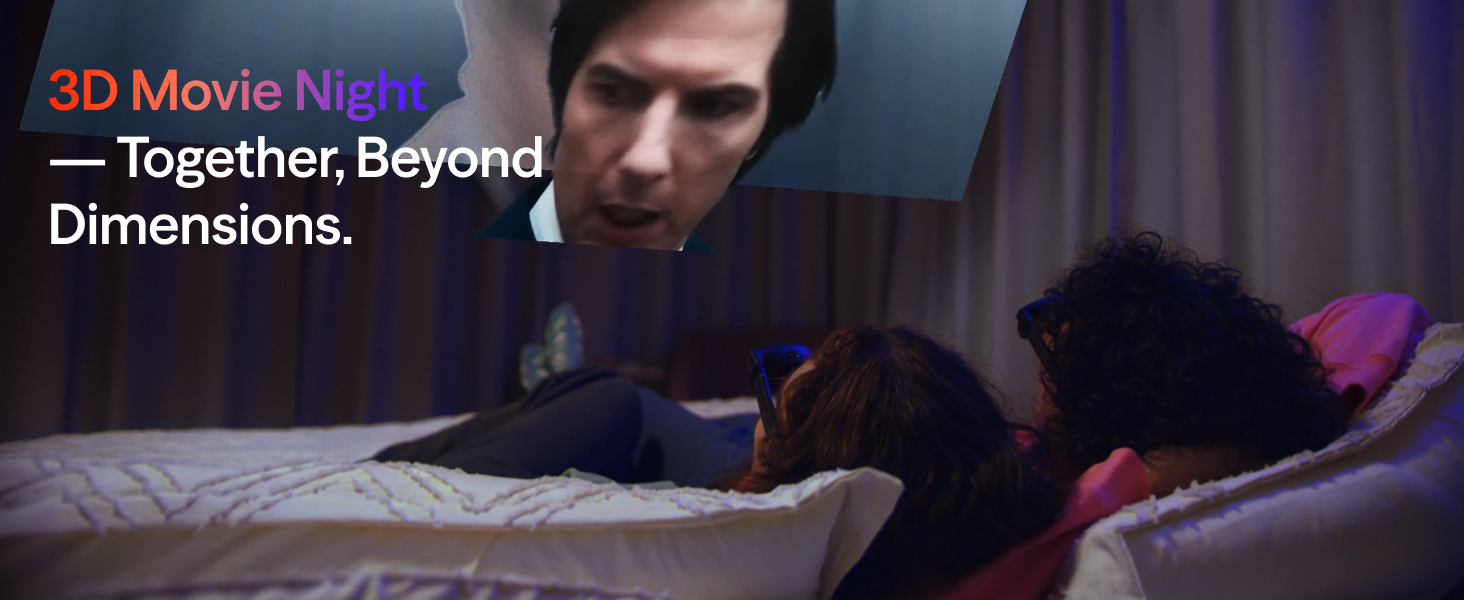
The video showcases the product in use.The video guides you through product setup.The video compares multiple products.The video shows the product being unpacked. World’s First Real-Time 2D To 3D Merchant Video
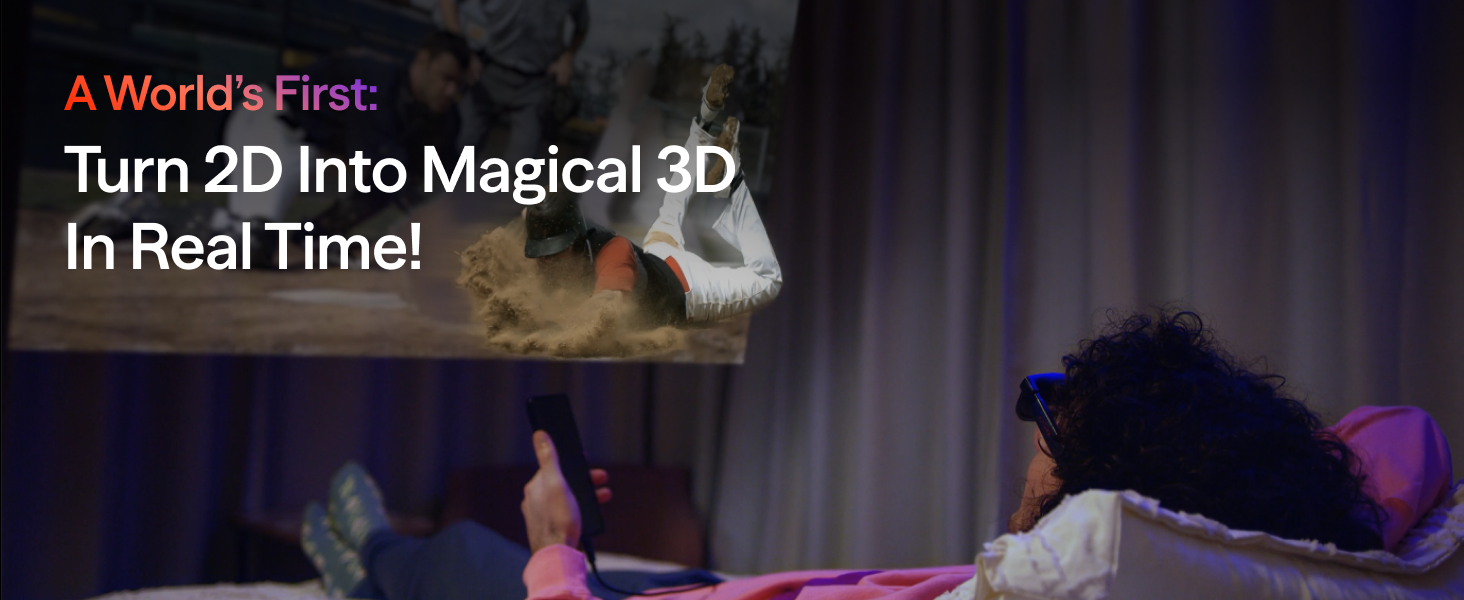
Turn 2D into Magical 3D in Real Time — Immersion Like Never Before!
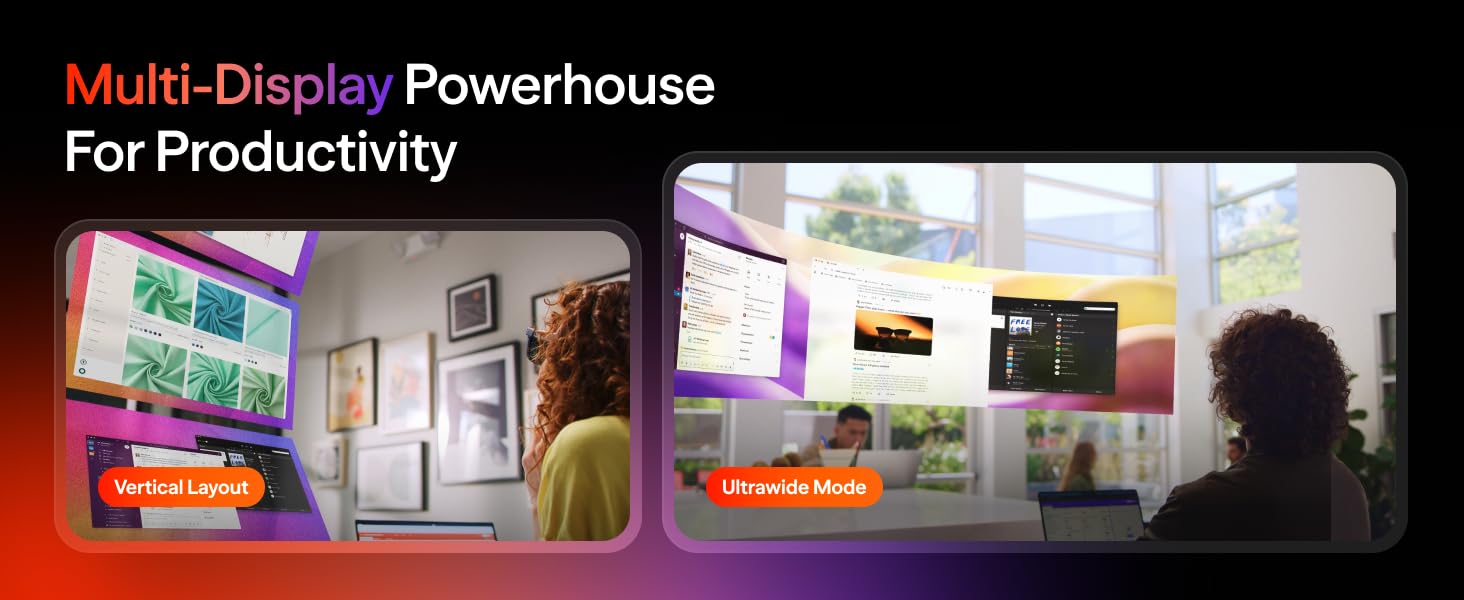
The video showcases the product in use.The video guides you through product setup.The video compares multiple products.The video shows the product being unpacked. Multi-Display Powerhouse For Productivity. Merchant Video
Unleash Productivity with a Multi-Display Powerhouse!
The video showcases the product in use.The video guides you through product setup.The video compares multiple products.The video shows the product being unpacked. VITURE Luma Pro Merchant Video
Take the Big Screen Wherever Life Takes You!
The video showcases the product in use.The video guides you through product setup.The video compares multiple products.The video shows the product being unpacked. Your Screen, Your Way. Merchant Video
Your Screen, Your Way! Anywhere, Anytime!


Product Comparison
Add to Cart
Add to Cart
Add to Cart
Customer Reviews
3.7 out of 5 stars 487
4.3 out of 5 stars 172
3.9 out of 5 stars 341
4.1 out of 5 stars 501
3.9 out of 5 stars 391
4.0 out of 5 stars 240
Price
$359.00$359.00
$59.00$59.00
$328.00$328.00
$99.00$99.00
$59.00$59.00
$55.20$55.20
Best For
Handheld/iPhone 17/16/15/Pad
Android Phones
Remote Play/Cloud Gaming/3D
Switch/Switch Oled/Co-op
iPhone 17/16/15 (MultiScreen)
iPhone14 & Earlier/Direct Play
For iPhone 17/16/15/iPad
Best Choice
–
Also Compatible
Also Compatible
Best Choice
–
iPhone 14 / Earlier Models
–
–
–
–
–
Best Choice
Android Phone with DP Output
Best Choice
Best Choice
Also Compatible
Also Compatible
Also Compatible
Also Compatible
For Steam Deck/ ROG Ally ?
Best Choice
Also Compatible
Also Compatible
Best Choice
Also Compatible
Also Compatible
Switch/ Switch OLED/ TV Stick
–
–
–
Best Choice
–
–
Co-op/Sharing a Movie together
–
–
–
Best Choice
–
–
Remote Play PS/Xbx/PC Games
–
Best Choice
Best Choice
–
–
–
Direct Play on PS/Xbx/PC
–
–
–
Best Choice
–
Best Choice
Laptops with USB-C DP Output
Best Choice
Also Compatible
Also Compatible
Also Compatible
Also Compatible
Also Compatible
Laptops with HDMI Video Output
–
–
–
Also Compatible
–
Best Choice
【CRYSTAL-CLEAR 1200P DISPLAY — SHARP & AFFORDABLE】Experience a stunning 146″ virtual screen with razor-sharp 1200P clarity — no blurry edges, no compromises. VITURE’s advanced optics deliver impressive detail and vividness, proving premium visual experiences can be truly accessible.
【IMMERSIVE 50° FOV & BRIGHT 1000 NITS — SMOOTH IN EVERY SCENE】 Dive into your content with a balanced 50° field of view and 1000 nits peak brightness. With buttery 120Hz refresh rates, everything stays fluid and vibrant — perfect for movies, games, or everyday use.
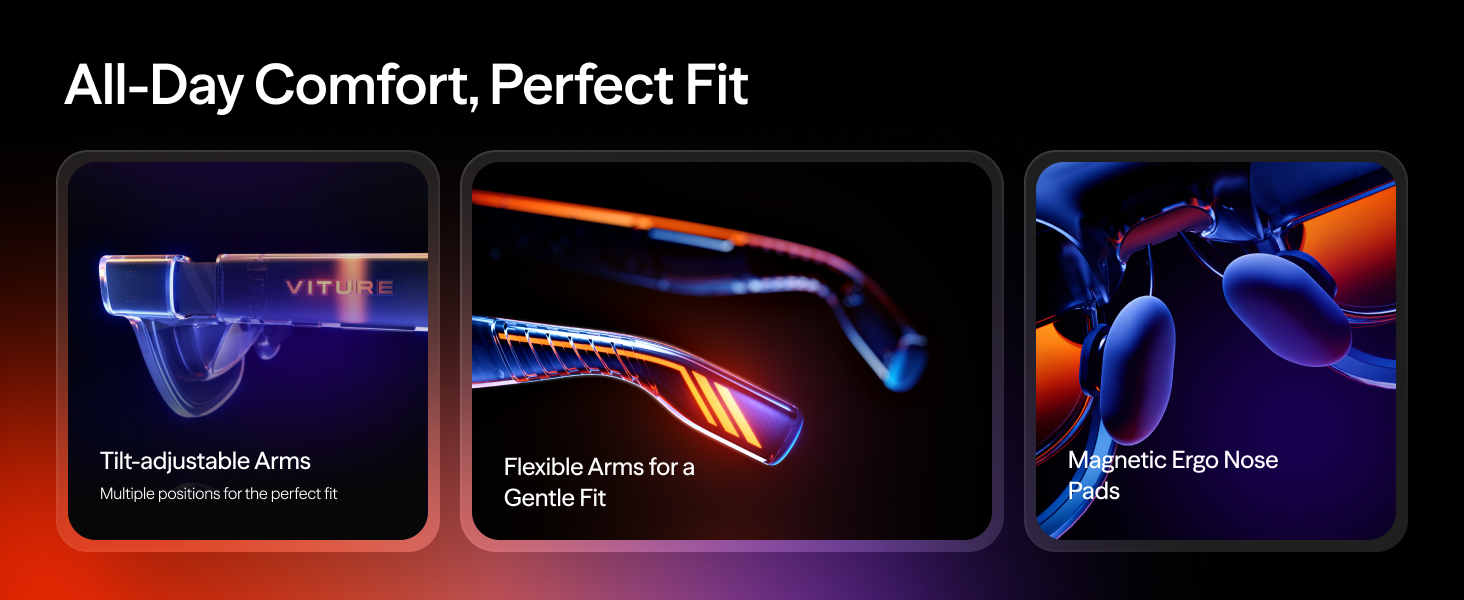
【COMFORT FOR EVERYONE — LIGHTWEIGHT & FLEXIBLE FIT】 Designed for real life: a lightweight frame, flexible arms, and magnetic nose pads deliver all-day comfort right out of the box. No complex adjustments — just put them on and dive in.
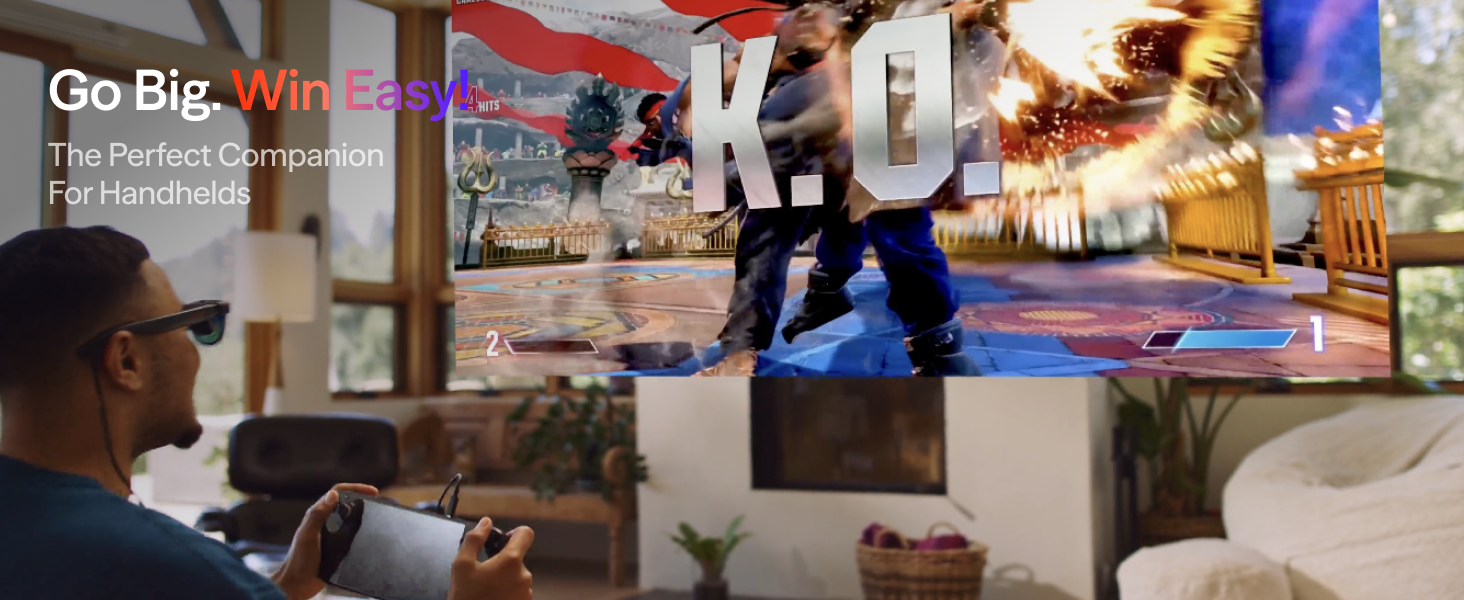
【DIRECT USB-C CONNECTION – UNLEASH UNIVERSAL COMPATIBILITY】 Experience plug-and-play simplicity with our industry-leading universal connectivity. Seamlessly pair with USB-C enabled smartphones, tablets, laptops (including macOS & Windows), Steam Deck and even other gaming handhelds – no messy dongles or complicated setups required. Your portable, personal theater is just one cable away.
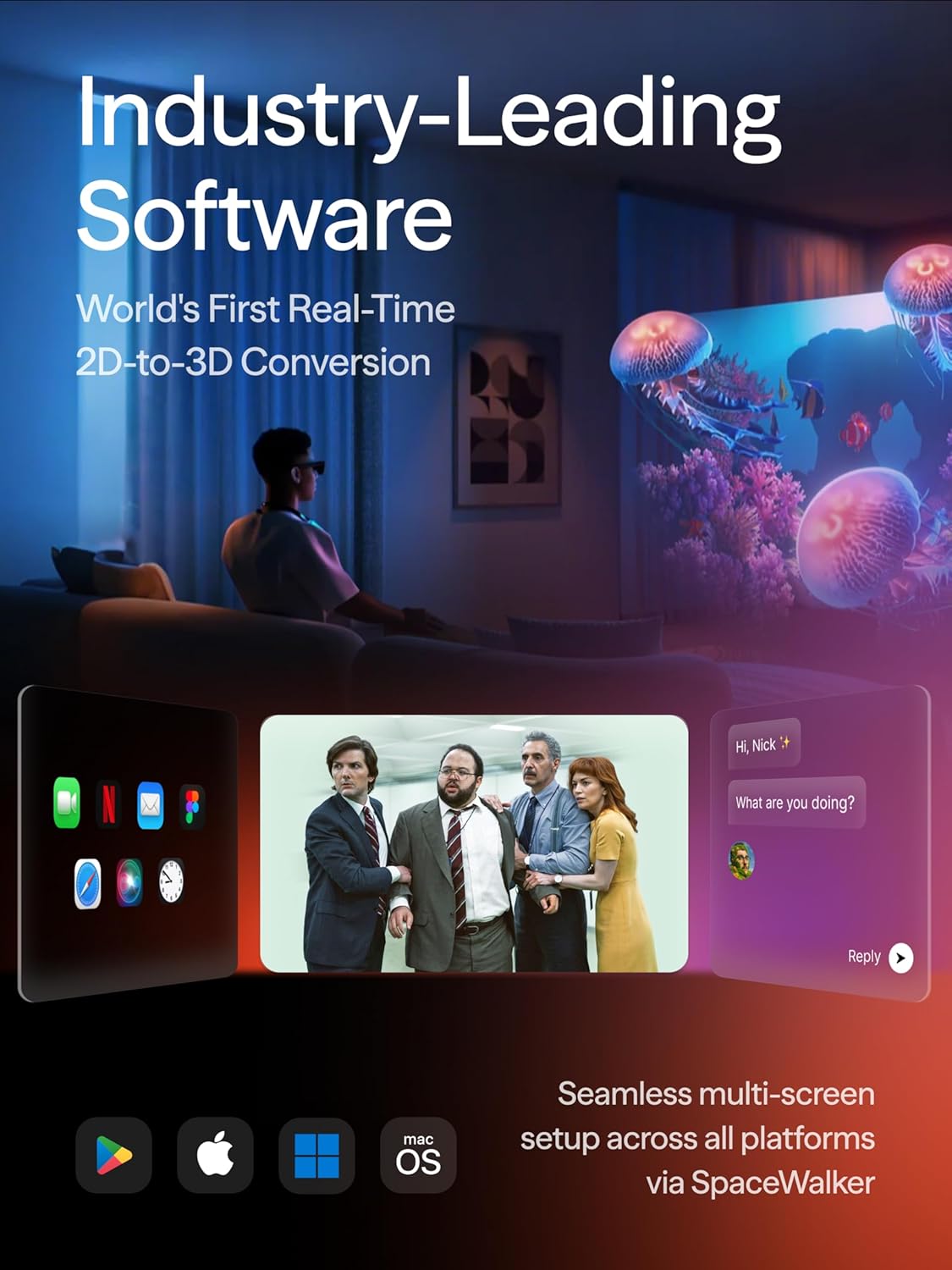
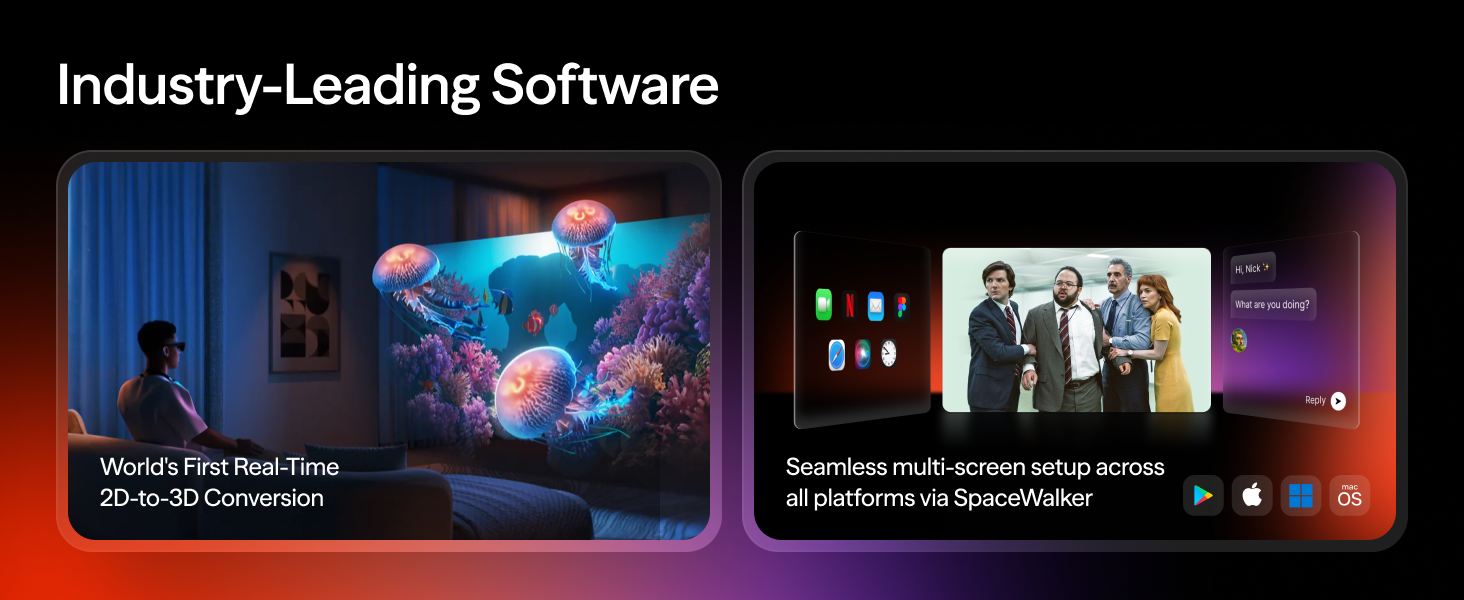
【INDUSTRY-LEADING SOFTWARE: WORLD’S FIRST REAL-TIME 2D-TO-3D CONVERSION】Transform every moment — even streaming and gaming — into an entirely new dimension with VITURE’s Immersive 3D feature. Experience the widely-acclaimed magic now for an unparalleled visual adventure exclusive to all VITURists!
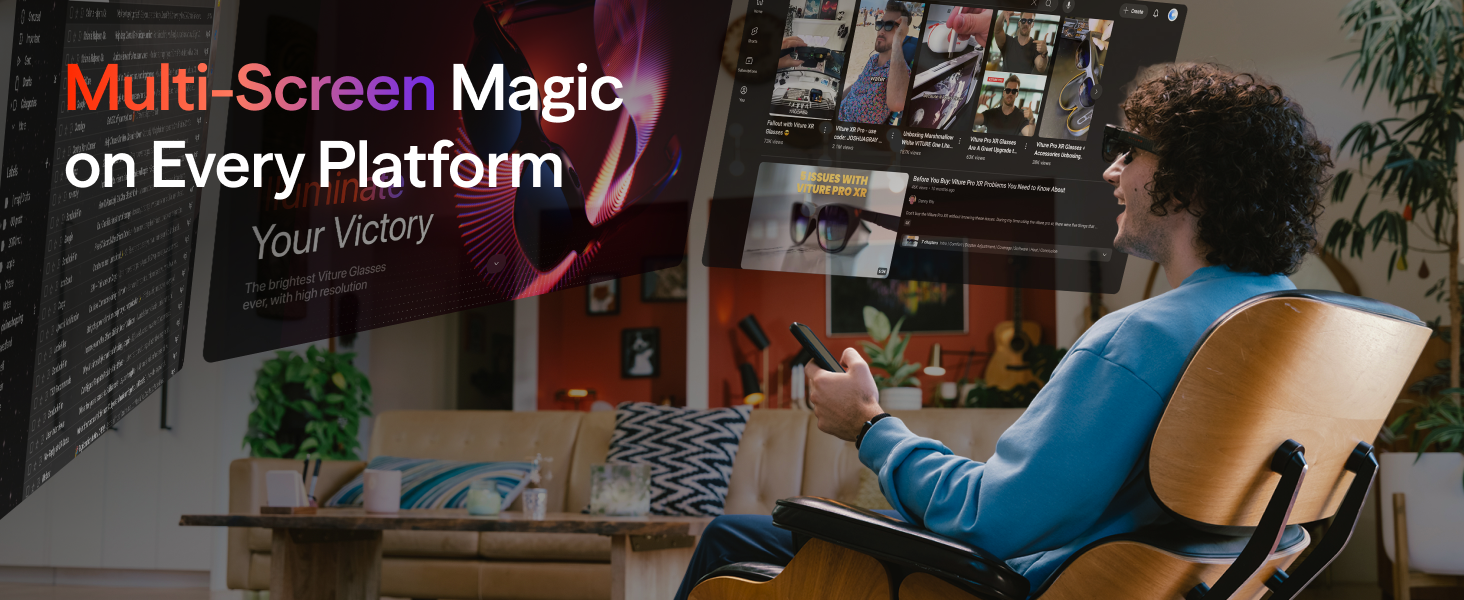
【MULTI-SCREEN PRODUCTIVITY — WORK SMARTER ON THE GO】 Extend your computer into a panoramic 146″ workspace with support for multiple virtual screens via SpaceWalker. Horizontal, vertical, or even code mode — write, edit, create, and stream without the chaos of constant tab switching.
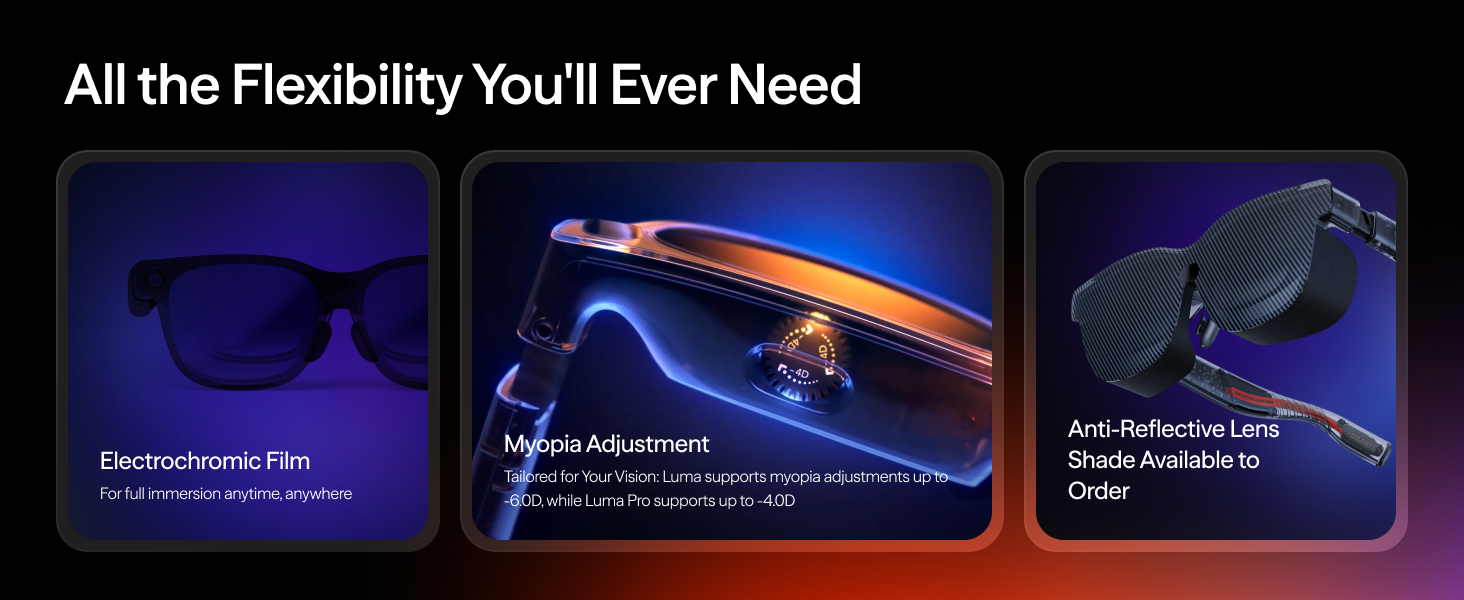
【ELECTROCHROMIC FILM — INSTANT IMMERSION AT YOUR FINGERTIPS】One tap activates the electrochromic film, instantly darkening the lenses for total focus. Optional lens shade also available — conquer reflections anywhere, anytime.
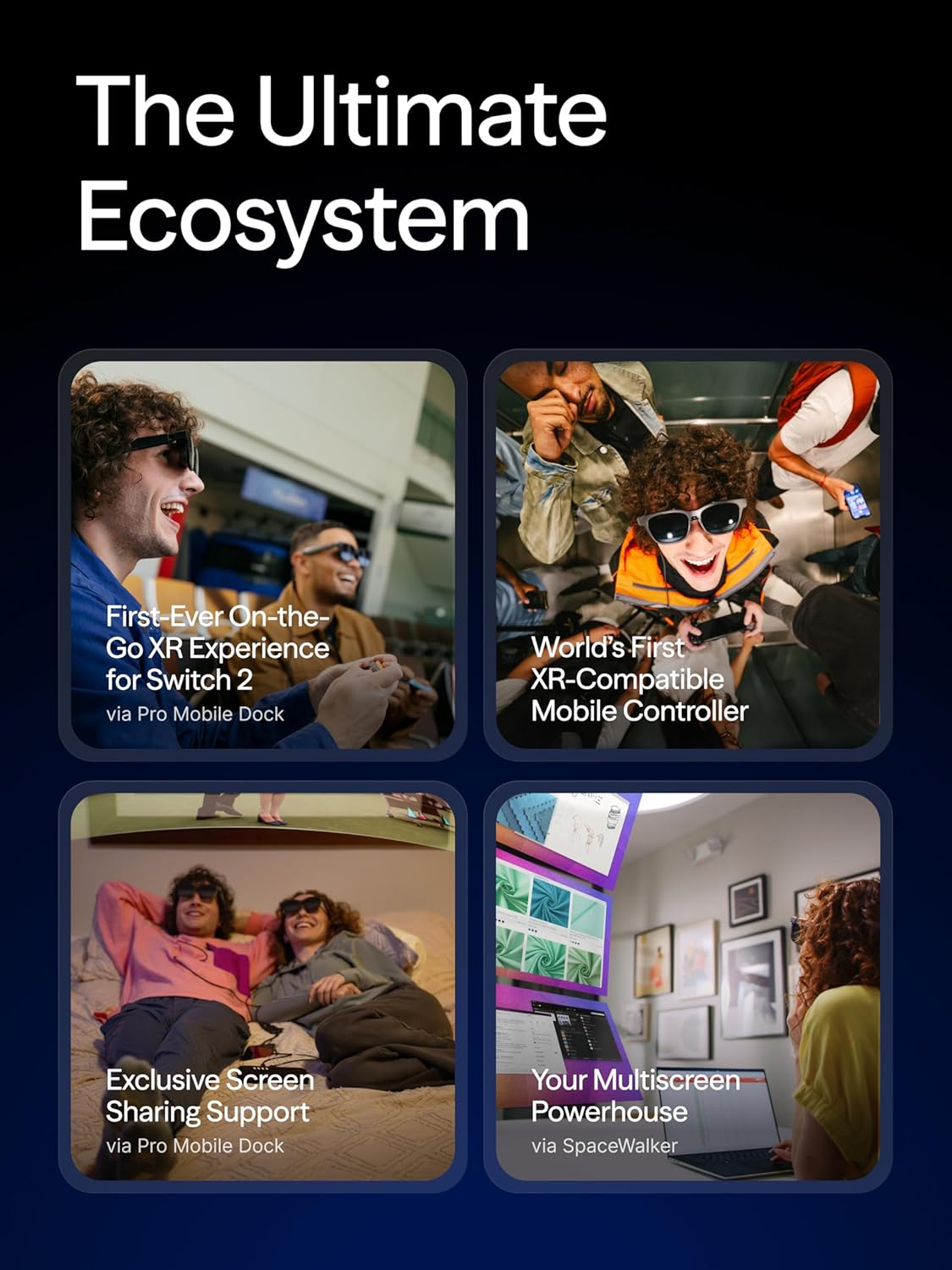
【THE ULTIMATE ECOSYSTEM FOR GAMERS】Experience the first-ever immersive XR experience for Switch 2. Featuring the world’s first XR-compatible controller, co-developed with 8BitDo and officially partnered with PXPlay and XBXPlay. Compatible with all major gaming consoles and devices, VITURE is built with gamers in mind and always pushes the limits to deliver the absolute best for every gamer!
【PREMIUM TRANSLUCENT DESIGN – WHERE FUTURE MEETS FASHION】 Our ultra-lightweight translucent design blends futuristic aesthetics with everyday comfort. The semi-transparent visor keeps you aware of your surroundings while delivering immersive visuals while adjustable nose pads and flexible temples ensure all-day wearability without sacrificing style.
【UP TO -6.0D MYOPIA ADJUSTMENT — MORE FREEDOM UNLOCKED】 Nearsighted? Adjust the focus directly on the glasses — no extra inserts needed up to -6.0D. For higher corrections or astigmatism, magnetic prescription lenses are available and easy to install.
8 reviews for VITURE Luma XR Glasses — 146” 1200p Ultra Sharp Display, 1000 Nits, 50° FOV, Dimming Adjustments, USB-C Connection for iPhone, Android, Mac, PC, Steam Deck, First-Ever XR Experience for Switch 2
Add a review
$359.00
Chris9707 –
Immersive 3D + 15ft range + Low Price = Awesome
I must have been living under a rock as I had never heard of Viture until last month. I had seen $1,200 VR/AR glasses for sale by other companies and of course most everyone has heard of VR headsets such as Meta or Apple.I miss 3D TV. No one makes them anymore. Lack of 3D content is a big reason why.When I heard that that a company called Viture was releasing an app that could turn ANY Video output into 3D content, I was intrigued. After doing a little research, I found that excellent quality manufactured refurbished 3D glasses could be had for under $200.I contacted Viture customer support and learned that these glasses come with a 1 year manufacturer warranty– the same warranty as the new $1,200 glasses from another company.To make things even better, these glasses have adjustable diopter for up to -5 for those who are nearsighted. This way I can use the glasses without having to wear contacts which is a big plus for me. Even better is the glasses are quickly adjustable so I can switch from wearing contacts to not wearing contacts settings in under a minute. My mild astigmatism is not a problem either as text appears sharp to me which is not always the case with books.I ordered the glasses and when they arrived I was hoping to test them out using my computer’s USB 4 port. For whatever reason I could not get the glasses to work with my MSI X870-P wifi USB 4 port. I think this is an MSI problem and not the fault of the glasses.I was able to test the glasses using a friend’s Samsung phone. The picture quality was impressive in both 2D and using 3D specific media. A lot of people will probably use these glasses with their USB C Display Alt enabled phones, tablets, and game consoles. They are very impressive in this role if your device supports DIsplay Alt over USB C.I contacted Viture customer support again and received a recommendation for the WJESOG cable listed below to allow me to hook up the glasses to my NVIDIA RTX 3090 enabled PC. I exchanged no less than 20 emails with VIture customer support and they always promptly responded.This cable enabled me to try Viture’s new Immersive 3D AI technology. This is what really sets these glasses apart from their competitors. I am running the software on Windows 10. It will turn anything from a movie to a video game into 3D output. The 3D experience is fantastic and is much better than any 3D TV I have ever seen. The program is efficient and only uses about 20% of my GPU resources. This is good as it does not generate much heat. I believe it will even work on my RTX 3050.My next problem was that I only had about 7 feet of cable slack even with the WJESOG adapter. This was not enough to lie down and watch a movie.I tried several cables and finally found that the Cable Matters 10ft active DP cable did the job. I also had to combine this with a USB C return cable as the VIture glasses lack a battery and need a power source. I have listed the USB cables I use below. You need several adapter cables to make the whole thing work.The result? I have over 15 feet of cable slack and can still watch AI powered 2d movies rendered in near perfect 3D! (the actual cable length is a few feet longer but you have to subtract the computer port and cable drop to the mix) The cables added nearly $80 to the price tag, but the results were well worth it. To make all of this work, you actually want the less expensive Viture One Lite glasses as they use the standard USB C connector and not the proprietary magnetic one.My last problem is that the right ear piece of the glasses becomes quite warm – maybe even hot – with extended use. At least in my 78 degree room. I solved this problem by purchasing some copper heat sinks and attaching them to the frame. They do not add much weight, but they do a good job dissipating the excess heat.The audio is perfect for my needs. I can hear the music but does not bother others. Adding quality 3rd party headphones gives a cinematic feel.So I have an amazing pair of OLED AR glasses that I can use to have a giant screen for my phone. Or better yet, to watch 2D MOVIES IN 3D while relaxing on the couch or bed. Without having to wear contacts. With a warranty. For around $250 total spent. I wish I had heard of Viture sooner.My list of accessories purchased on Amazon:WJESOG DisplayPort to USB C Cable 6.6ft 4K@60Hz with USB Cable Adapter,DP Male to Type-C Male ConverterCable Matters Unidirectional Active DisplayPort 1.4 Extension Cable – 10 ft / 3m, Support 8K 60Hz, 4K 240Hz and HDRYottamaster USB Female to USB C Male Adapter[10Gbps], USB C to USB A Female Adapter Cable OTG Cable Adapter Female USB A to C Male for Phone/Laptop/Tablet/Switch USB C Device [1m/3.3ft]Amazon Basics USB-A 3.0 Extension Cable, 4.8Gbps High-Speed, Male to Female Gold-Plated Connectors, 6 Foot, BlackGeeekPi 18PCS Pure Copper Heatsinks for Raspberry Pi 5/4B, CPU Cooler with Thermal Conductive Adhesive Tape
Stanley –
Whatever you’ve seen in reviews – in real life it’s x10 BETTER!
Absolute jaw dropping technology. I had so many concerns, now let me guide you through, what I’ve experienced.Let’s start. Gaming – i have a 27” QHD curved monitor, i don’t wanna use it anymore, Compared to these glasses the monitor is like meh. It’s bleak. That oled screen in the glasses – oh my God, it delivers so hard. Colours, depth – it’s so vibrant, so beautiful. It feels like I’ve upgraded my rig entirely. Strategy games, FPS, RPG games – it’s just a delight to see. I really disconnected my monitor – i can do all my tasks, gaming, entertainment in my glasses.Convenience: i just lay on a bed with my wive and while she’s watching her desperate housewives of Salt Lake i can not only play video games, i can have a sneak peek on what she’s watching, and switching from my stuff to hers is so seamless and convenient. But what’s most importantly, we’re together and i don’t disturb her with my bright screen and sounds.Health issues: a have amblyopia- an occasionally drifting eye – glasses work perfectly, moreover, since i force my eye to work – it actually rewires my brain and improves the eyesight . Literally XR glasses are used by ophthalmologists to fix that issue (please consult your doctor first)I also have a myopia – my left eye is -3, right one is like -4.5 Since you have an adjustable diopter here – you can easily fit to your purpose and comfort. I was looking at first for a more advanced version of the glasses “The Beast” and “Luma Ultra” but they lack of needed adjustment. You can install like separate lenses for that, but it’s too much of a hassle. I don’t know what to do, how it works, so unfortunately i had to stick with Luma XR.Believe me that’s gonna be your biggest regret if you don’t go with the more advanced version of the glasses. My first reaction (and my wife’s as well) I’m returning this, and will get the Beast, give me bigger and better! But alas as I’ve mentioned the Beast lacks the absolutely necessary thing for me – diopter adjustment.Long story short, whatever you’ve seen on YT, whatever you’ve read about these glasses- in real life it’s much better!Absolutely worth every single dollar, and again i can utilize my glasses in literally any task and purpose. Oh and also it is plug & play, just insert the cord into your computer , Iphone – and voi’la, everything works. However i ordered additional charger/dock for Iphone to have even more capabilitiesLove at the first sight – pun intended 🙂
Ricky –
Too expensive to have a flaw on the micro oled
They were awesome, image quality was amazing the FOV was a little too much had to place the glasses farther from my eyes just to view the image completely while looking down or up, sound was amazing too, they fit perfectly they brought 4 nose pads. I give 1 start rating because of the built quality the screen presented image burn after max brightness for less than 5 minutes on a still image from epic games… They are too expensive to have this flaw also really recommend buying the one that’s not focused on AR virtual reality if plan to be used only with steam deck or other portable consoles. Based on what i could investigate you should be OK if you don’t set the brightness to max NEVER may be level 1 at most to not risk it.
David L –
These are the most incredible things! I’ve tried earlier versions and they were great, but the new Luma’s are significantly better. Very comfortable to wear and crisp video. I use them for both watching content from my phone (it’s so easy to plug and play) and also play Nintendo Switch 2 (using the mobile dock). Highly recommend!
Zaur Hatuev –
Ich nutze die VITURE Luma Pro jetzt seit ein paar Tagen und ehrlich gesagt bin ich überrascht, wie gut die Brille wirklich ist. Die Bildschärfe 1200p pro Auge ist extrem klar, und die 1000 Nits Helligkeit machen einen riesigen Unterschied, besonders wenn man tagsüber schaut.Was mich am meisten beeindruckt hat, ist das Gefühl eines großen virtuellen Screens. Es wirkt wirklich so, als würde man vor einem riesigen Fernseher sitzen. Beim Gaming merkt man kaum Verzögerung super flüssig und angenehm für die Augen.Auch der Tragekomfort ist besser als erwartet. Sie ist leicht, rutscht nicht, und die adaptive Abdunklung ist ein richtig gutes Feature, weil sie automatisch die Helligkeit anpasst. Dadurch kann man länger schauen, ohne dass die Augen müde werden.Für Filme unterwegs oder beim Reisen ist die Brille perfekt. Man braucht keinen extra Bildschirm, nur USB C anschließen und los geht’s.
Massimo –
Per sapere come bloccare la posizione dello schermo ho dovuto rivolgermi al servizio clienti che mi ha subito fornito l’aiuto necessario. Quindi, ottimo prodotto e ottimo servizio clienti. Solo le istruzioni allegate non sono esaurienti. A proposito: Per passare dalla modalità follow alla modalità ancora, dovete premere 3 volte consecutive il pulsante “mode”. Consigliato!
Salva –
En primer lugar, las amistades me preguntan qué son estas gafas, ya que se suelen confundir con unas gafas de realidad virtual tipo Meta Quest. No es lo mismo, están pensadas para cosas distintas. Por un lado las Meta Quest (Pico, u otras gafas de RV) sirven para “interactuar” con un entorno virtual, tienen aplicaciones, mayormente juegos para interactuar. Y estas, son gafas que conectándolas en el dispositivo apropiado, proyectan, duplican lo que hay en ese dispositivo.¿Para qué están pensadas? Pues para ver películas, series. Ver contenido. Son capaces de generar una pantalla de 120″, conectándolo al móvil, tablet o cualquier dispositivo equipado con USB-C y MHL (es un protocolo que permite sacar la señal de video de ese dispositivo mediante el puerto USB-C). No todos los móviles disponen de esa tecnología, por lo que antes de comprarlas verifica que el tuyo es compatible. O bien necesitarás otro accesorio adicional.Son totalmente plug and play. Se conecta y se ve. Y se escucha por las propias gafas. Eso lo hablo luego.Disponen de una aplicación que puedes o no usar, ya que genera como un gran escritorio virtual. Puedes ahí también enlazar todas tus cuentas de servicios de streaming.O bien directamente con el dispositivo, abrir cada aplicación y reproducir.Hay aplicaciones que funcionan mejor y otras peor. Por ejemplo Filmin, si lo ves en VO, puedes ver el contenido en tus gafas pero los subtítulos aparecen en tu dispositivo. Netflix, Disney, AppleTV, … sin problemas.El sonido se escucha alto y claro a través de las propias gafas y he de decir que si lo tienes a un volumen correcto sólo lo escuchas tú. El audio es claro, limpio, se escucha muy bien.Las gafas son ligeras, disponen de botones en le lateral para ajustar el volumen.Asimismo, se incluye un protector para oscurecer totalmente la gafa y tener más inmersión en el contenido que se está reproduciendo. En mi caso, siempre colocado. Normalmente las uso con poca luz, por la noche, ya que si se usa con mucha luz, entra luz por los lados y puede acabar molestando.Es recomendable usar el cargador Viture para alimentar gafas y teléfono, ya que la batería del dispositivo baja bastante al usar las gafas.También las uso para jugar con la Asus ROG Ally. La experiencia de juego es fabulosa: conectar y ves en grande el contenido, sin lag. La experiencia de juego también es fabulosa.Decir que son cómodas. Viture añade puentes de nariz para elegir el que mejor se adapte a nuestra necesidad.También otro punto positivo es un selector de dioptrías, ya que en caso que tengamos miopía, podemos aplicarlo en cada ojo para conseguir una visión mucho más nitida.Finalmente añadir que he destinado un dispositivo única y exclusivamente para reproducir contenido. Había leído en Reddit maravillas sobre la experiencia Samsung DEX al usar unas gafas y me he hecho con un Galaxy Note 20 de segunda mano y es perfecta la experiencia de uso.Las aplicaciones se reproducen a pantalla completa y la experiencia de uso es maravillosa, mucho más fácil que lanzando las aplicaciones. En mi caso un gran acierto.¿Lo recomiendo? Sí, sin duda. Es como tener una pantalla de cine. Cómodo, fácil de usar, portable (puedes ir en avión, tren… y reproducir contenido). Y si ya emparejamos el dispositivo con unos auriculares con cancelación de sonido, la experiencia es todavía mejor).Sin duda un gran acierto, y a un buen precio (las compré con una oferta muy buena). Merece la pena.
Professor –
The VITURE Luma Ultra immediately stands out for its exceptional display clarity. While the 1200p resolution may sound modest, in use it feels closer to a 4K screen thanks to sharp optics and excellent text rendering. The virtual 152” screen is comfortable for both work and entertainment. With up to 1500 nits, the glasses remain usable in bright rooms and even outdoors. Colours look accurate, motion is smooth thanks to the 120Hz refresh rate, and the 52 degree field of view feels immersive without being overwhelming. The upgraded camera system adds meaningful functionality. 6DoF tracking is stable and precise when used with SpaceWalker on a PC or Mac, making multi-screen productivity genuinely practical. Hand gesture support (with the Pro Neckband) works well once you get used to it. Audio from the HARMAN-tuned speakers is surprisingly full for XR glasses; easily handling movies, calls and casual gaming